Plexiglas printing
Printing on clear and opal plexiglass
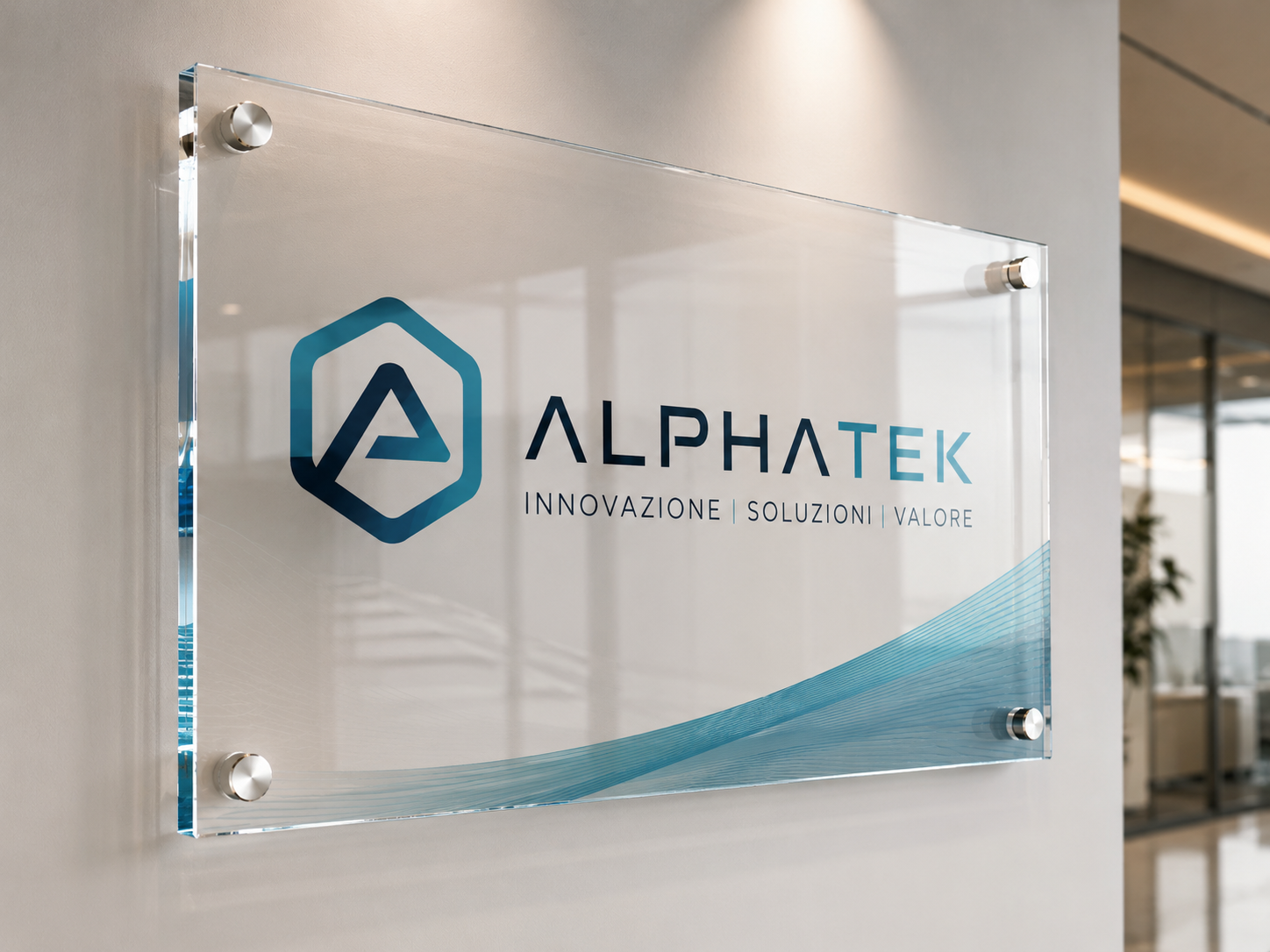
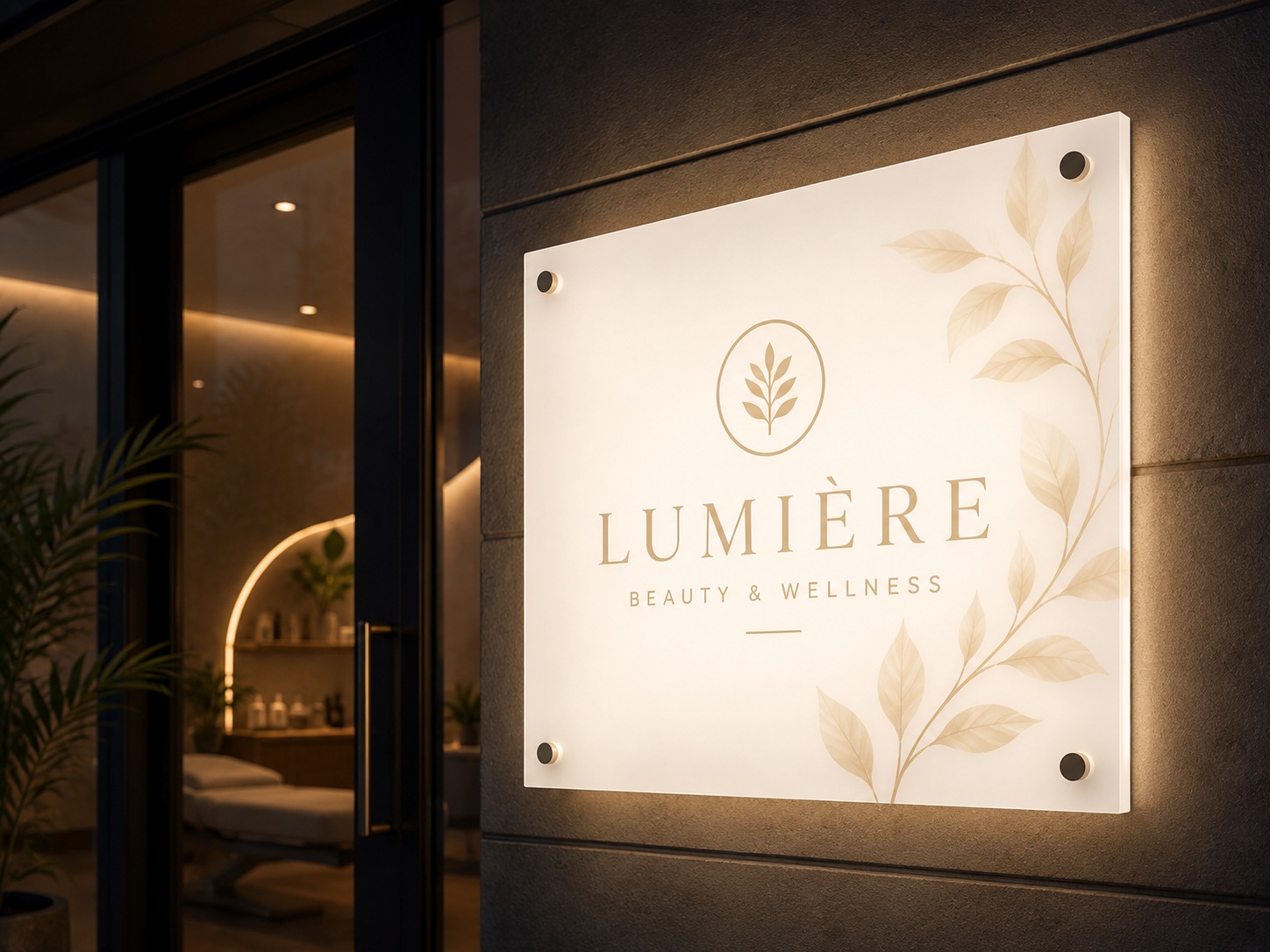
Plexiglass printing is available on clear sheet in 3, 5 and 10 mm and on opal sheet in 3 and 5 mm. They are two products with different results: the first lets you see what is behind the graphic, the second diffuses light and hides the light source. You can use them for signs, company nameplates, countertop displays, decorative panels and installations.
Every panel is custom made: you upload your image, enter the dimensions in centimetres and choose thickness, cutting and holes. There are no fixed formats.
Which plexiglass to choose
- Printing on clear plexiglass: for nameplates, countertop displays and indoor decorations where transparency is part of the graphic design. This is the sheet for printing on clear plexiglass with spot white or full white over the whole surface, in three thicknesses: 3, 5 and 10 mm. Mirror printing is also available only here.
- Printing on opal plexiglass: opal plexiglass is for backlit signs, lightboxes, light boxes and illuminated totems, where the light must spread evenly behind the graphic. There are two thicknesses, 3 and 5 mm, and the adhesive option is a glossy clear PVC.
Where a printed plexiglass panel is used
Printed plexiglass fits into work and retail spaces: the nameplate at the entrance of an office, the panel with the logo in reception, the display on a shop counter, the decoration of a wall. Opal works together with light: it is the material for illuminated signs and panels, where the graphic needs to be lit evenly.
On the panel you can reproduce logos, text and photographs. Colour rendering changes with the sheet: on clear plexiglass the areas without white let light and the background show through, on opal the milky surface acts as the background for the graphic.
Direct UV printing or adhesive PVC
For both sheets you can choose direct UV printing, the application of an adhesive PVC, or the sheet without printing. With direct printing the graphic is printed on the sheet. With the adhesive it is printed on a film that is then applied to the panel. Direct UV printing is suited to indoor use and can also be used outdoors. In the case of the adhesive, lamination adds protection against scratches.
The adhesive changes with the substrate: on clear plexiglass it is an adhesive PVC for illuminated signs, on opal a glossy clear adhesive PVC, both in Standard or Long Life quality. The option without printing is for when you only need the sheet cut to size and drilled.
White printing and mirror printing
Only on clear plexiglass will you find white printing and mirror printing. White is chosen as spot white, meaning only behind some parts of the graphic, or as full white, a solid background over the entire surface. With spot white you keep the transparent effect where you want the background to show. With full white you get more opaque colours and a sheet that does not let the eye see through the printed areas.
Mirror printing is useful when the graphic is meant to be read through the sheet: the image is printed reversed on the back and viewed from the opposite side. If you are not sure whether you need it, in the configurator you can select "I'm not sure".
Lamination
Lamination is an option: glossy or matt with UV filter, in Standard or Extra UV Guard version. Glossy enhances brilliance, matt reduces reflections when the panel is hit by light. You can also leave the panel without lamination.
Thickness, cutting and holes
Clear plexiglass comes in 3, 5 and 10 mm, opal in 3 and 5 mm. A greater thickness gives a more rigid panel with a more visible edge, a detail that matters for nameplates and decorative panels. On opal, the 3 mm is light and flexible: it suits small signs or when weight needs to be kept down. The 5 mm is more rigid and is recommended for large signs, because it prevents bending. On clear plexiglass, the 10 mm gives maximum solidity. The cut is straight, meaning square and to size on all four sides, or contour cut: thanks to CNC routing it follows the vector path you prepared in the file. For mounting you can request four holes at the corners or two holes in the centre, on the right and on the left, or leave the sheet without holes. The holes have a diameter of 5 mm: the four at the corners are for fixing to the wall with screws or spacers, the two at the sides for hanging the panel horizontally.
How to choose the right sheet
- The background must stay visible behind the graphic: clear plexiglass with spot white.
- You want solid colours on a clear sheet: full white.
- The panel goes in front of a light: opal plexiglass.
- The graphic is viewed through the sheet: clear with mirror printing.
- You need a panel of great thickness: the 10 mm clear.
- You want a shape that follows the logo: contour cut, available on both sheets.
Dimensions, quantity and file check
Enter the finished dimensions of the panel in centimetres. Check that the file has the same proportions as the format you order, so the image is not cropped or distorted. If you plan to have holes, keep important text and details away from the corners and sides where they will fall. You can also order a single piece. Before purchasing, check the sheet, thickness, print type, white and cut in the summary.
How to order plexiglass printing online
Choose the sheet, the thickness and the print type, then format, quantity and finishes: the price is calculated by the configurator based on these choices. In the packaging step you select packing between two 40 mm polystyrene sheets with perimeter edge protectors, or pick-up at our premises without packaging. The file instructions explain how to prepare the graphic: read them before uploading it. The available production times are shown by the configurator, while delivery also depends on the shipping you choose.
Frequently asked questions
What is the difference between clear and opal plexiglass?
Clear lets the eye pass through and shows the background. Opal is milky: it diffuses light and does not let you see the light source behind the panel.
Which sheet should I choose for backlit plexiglass printing?
Opal, in 3 or 5 mm, is the sheet recommended for signs and panels with the light behind them. For clear plexiglass the configurator offers an adhesive PVC for illuminated signs.
Can I get a photo printed on plexiglass?
Yes, the photograph is uploaded as a print file. The clear panel is suited to indoor decorative applications; you choose format and thickness in the configurator.
What is the difference between spot white and full white?
With spot white, white is printed only in some areas of the graphic and the rest of the sheet stays transparent. With full white, the white covers the entire printed surface.
Can plexiglass be contour cut?
Yes. For both clear and opal you can choose the straight cut or the contour cut.
Which thicknesses are available?
3, 5 and 10 mm for clear, 3 and 5 mm for opal.
Can I order the sheet without printing?
Yes, among the print types there is the option without printing, with the possibility of still choosing cutting and drilling.
How do I fix the panel after delivery?
The configurator offers two drilling layouts: four holes at the corners or two holes in the centre, one on the right and one on the left. If you use another system, order the sheet without holes.