Printing on opal plexiglass
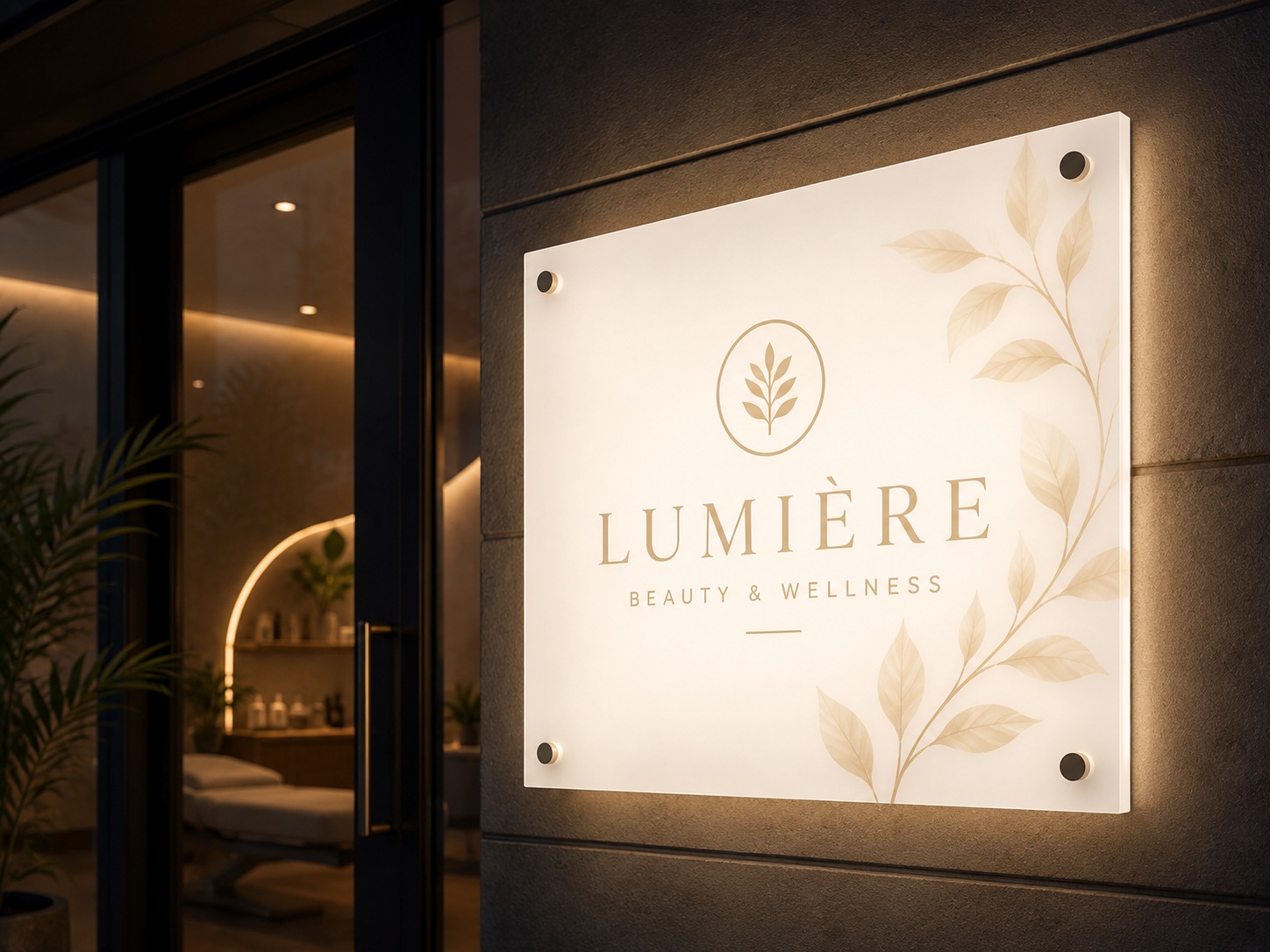
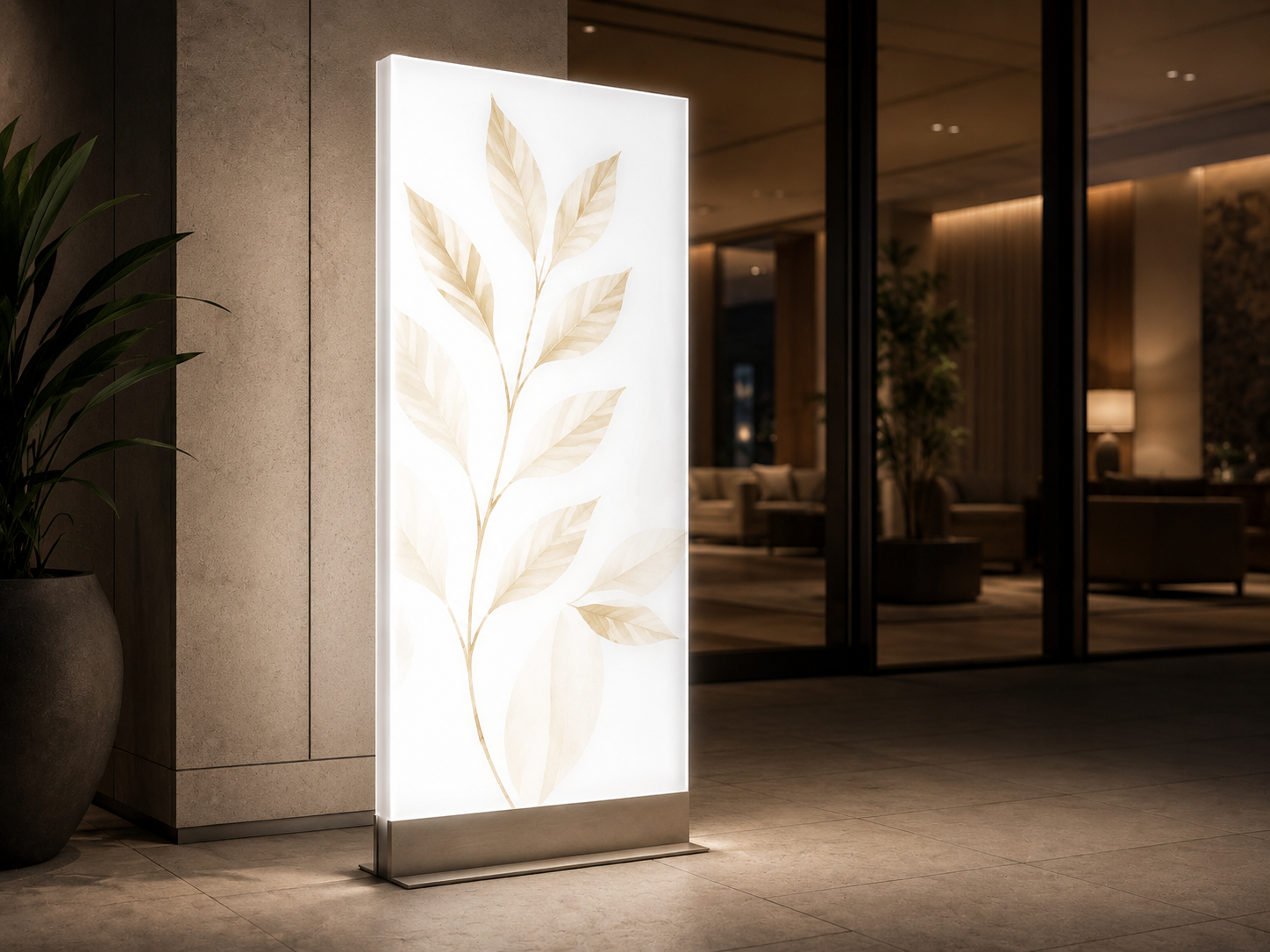
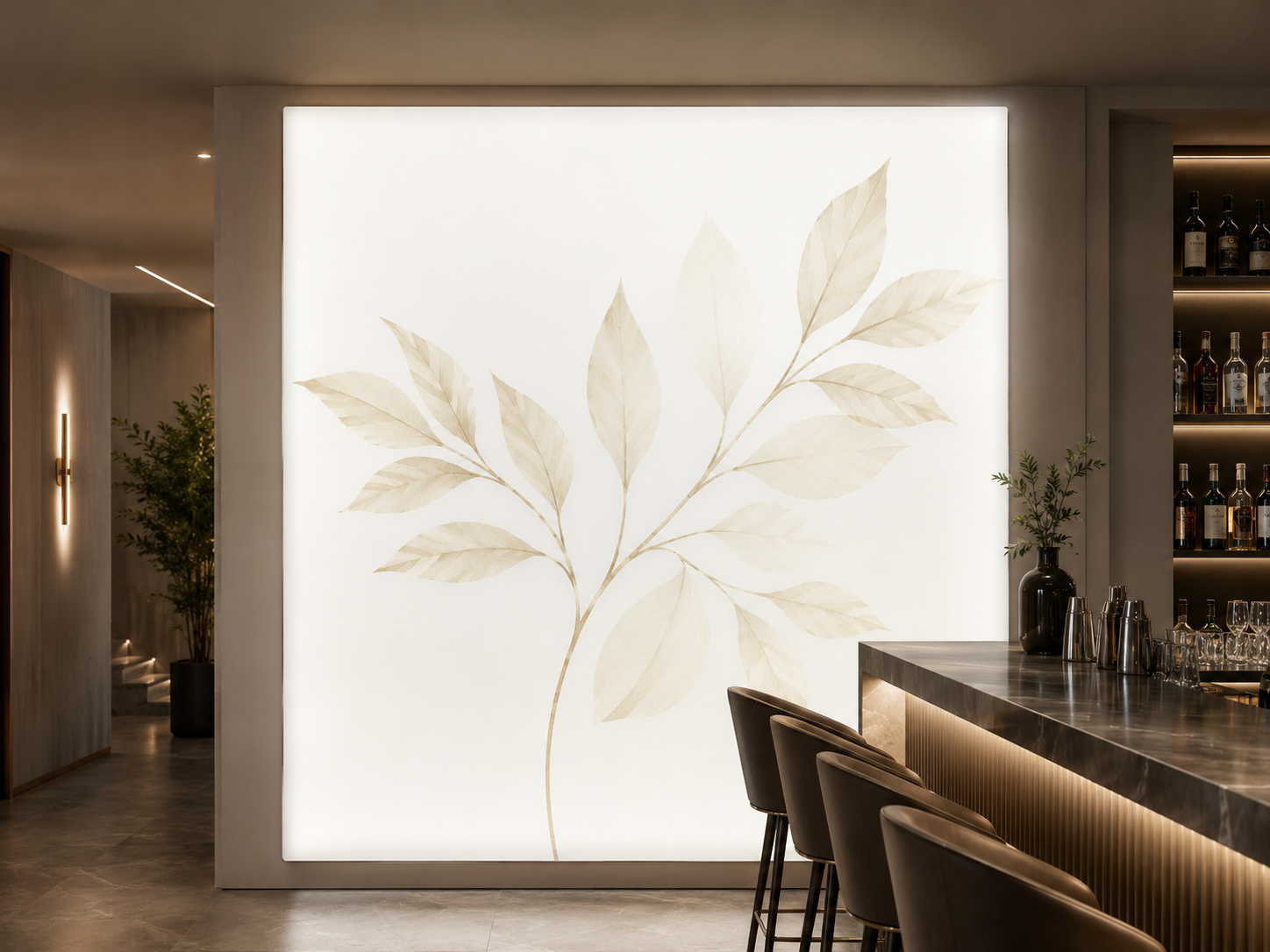
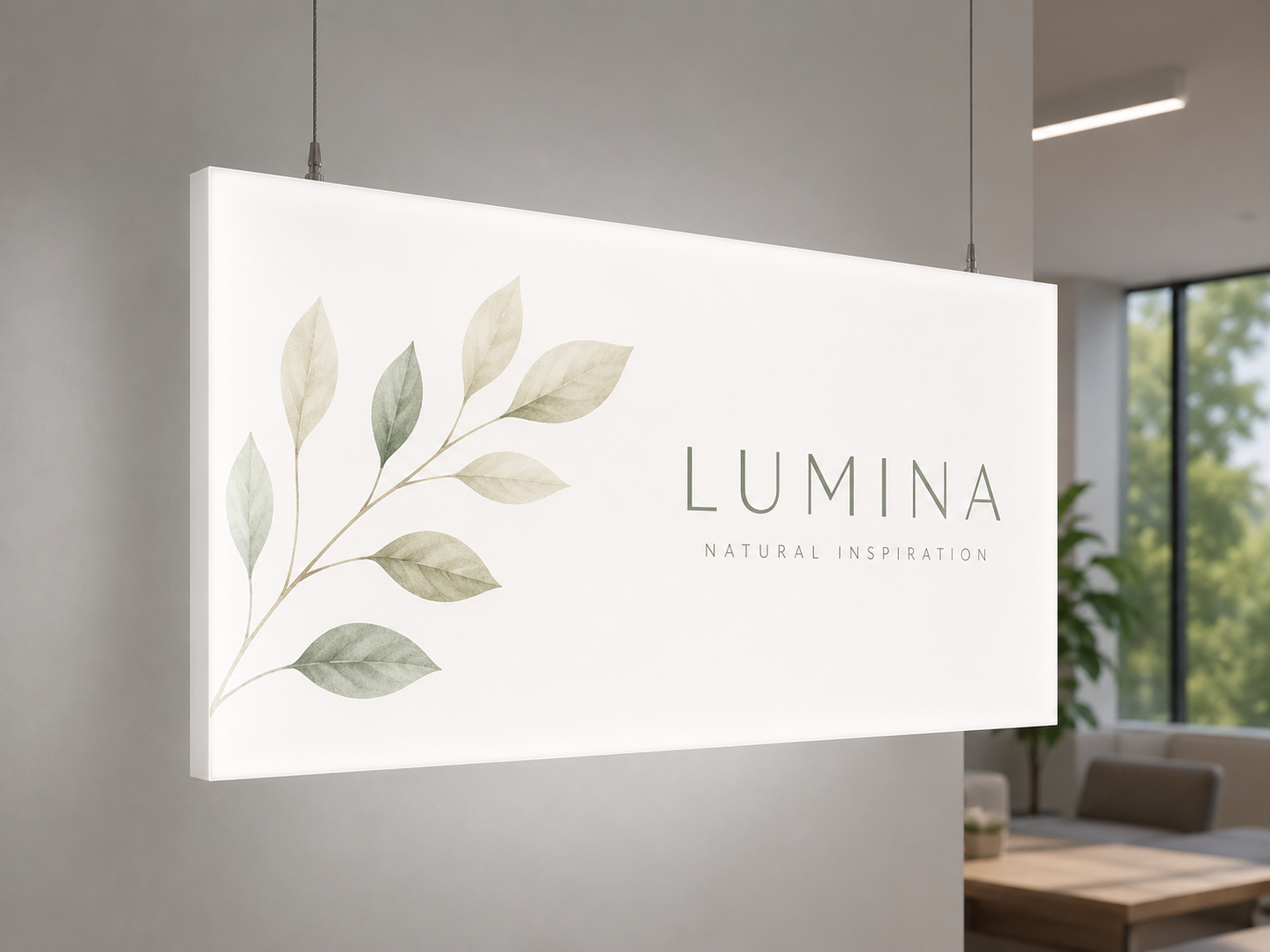
Quantity: 1; Dimensions in CM: 100x100; Panel Type: 3 mm opal Plexiglass; Cut: Straight Cut; Drilling: Without Holes; Print type: Direct UV printing
Opal plexiglass printing covers milky-white sheets, 3 or 5 mm thick, customised with your artwork. The print can be direct UV on the sheet or made on glossy clear adhesive PVC and then applied. Alternatively, you can order the panel with no print, simply cut. The product page also offers gloss or matt lamination with UV filter, square or shaped cutting and drilling. Sizes are free, and quantities range from 1 to 250 pieces. Opal plexiglass is used for backlit signs, lightboxes, sign boxes and illuminated panels.
Take a look at these too
Printed opal plexiglass: custom-size sheets
Opal plexiglass has a milky white base, unlike the clear sheet. It is the material to choose for backlit signs, lightboxes, sign boxes, totems and illuminated panels. Configure your sheet: thickness, print, cutting and holes.
Where opal plexiglass printing is used
- Illuminated signs: the front sheet of a sign box, at the entrance of a shop or venue.
- Indoor lightboxes: illuminated panels for shop windows, shopping centre corridors, waiting rooms.
- Illuminated menus and price lists: above the counter of bars, ice cream parlours and restaurants.
- Totems and signage: directions that must be readable even in low light.
- Replacement parts: a new sheet to replace the damaged or outdated one in a structure you already have.
The illuminated structure is not among the options: here you order the sheet only, printed and processed.
Opal sheet thickness
The Panel Type option offers opal plexiglass in 3 mm or 5 mm. These are two thicknesses of the same material. If the sheet has to slide into the guides of a sign box, check which thickness the housing accepts: that is the detail that decides the choice.
What changes in practice: both sheets diffuse light evenly. The 3 mm sheet is light and flexible, suited to small signs and to cases where keeping the weight down matters. The 5 mm sheet is more rigid and is recommended for large signs, where a sheet that flexes could come out of the guides.
Direct print or applied adhesive film
- Print type: direct UV print, application of adhesive PVC, or no print.
- Material: the adhesive provided for the application is glossy clear adhesive PVC.
- Material Quality: Standard or Long Life.
With direct print, the artwork is printed on the sheet. With application, it is printed on a clear film, then applied to the plexiglass: the adhesive is clear, so the background you see remains the opal one of the sheet. With no print you receive the plain sheet, cut and drilled as you specify.
Lamination
- Lamination: none, gloss with UV filter, matt with UV filter.
- Lamination Quality: Standard or Extra UV Guard.
Lamination is a protective layer over the print. Gloss or matt is a choice of finish: the former reflects more, the latter reduces reflections.
Film and lamination must be matched. The Standard quality is a monomeric PVC, Long Life is a polymeric PVC suited to prolonged outdoor exposure. In the same way, Standard lamination is monomeric and Extra UV Guard is polymeric: the first goes with the Standard film, the second with Long Life. Lamination adds protection against scratches. With the adhesive, moreover, the artwork can be replaced while keeping the sheet, if it is still in good condition.
Cutting, drilling and packaging
- Cutting: square, for rectangular sheets, or shaped, for forms following a path.
- Drilling: no holes, four holes at the corners, or two holes in the centre, on the right and on the left.
- Packaging: no packaging with collection at our premises, or two 40 mm polystyrene sheets with perimeter protective edging.
The holes have a diameter of 5 mm. Shaped cutting is a routing process that follows the vector path: the file must contain a dedicated cutting path. Polystyrene with protective edging is the packaging provided for shipping; with no packaging, collection takes place at the production site. There is no preset maximum size among the options.
How to choose the options case by case
- Sheet for a sign box with guides: square cutting, no holes, same thickness as the sheet you are replacing.
- Panel to fix with screws or spacers: four holes at the corners.
- Hanging panel: two holes in the centre, on the right and on the left.
- Sign with a special outline: shaped cutting along the path of the form.
- Plain sheet to decorate yourself: no print.
If you are replacing an existing sheet, the safest way is to copy its details: dimensions, thickness, position of the holes.
Sizes and quantities
You enter width and height in centimetres, with no fixed formats. If the sheet is to be inserted into a structure you already have, enter the exact size of the housing. Orderable quantities range from 1 to 250 pieces, and the configurator updates the price with every choice.
The size fields accept free values, so both a small plaque and a panel for a large sign box are ordered from the same product page. With shaped cutting, enter the overall dimensions of the form.
Practical tips for the artwork
- Prepare the file with the same proportions as the sheet.
- Consider the area hidden by the frame or the guides: keep texts and logos within the visible part.
- Backlit artwork is viewed with the light on behind it: if you can, check the colour on a backlit proof.
- If you request holes, keep the area around the drilling points clear.
- After filling in everything, check the summary before buying: thickness, print type, cutting, holes, quantity.
How to order and prepare the file
Complete the options and upload the artwork. Before sending the file, read the preparation instructions. The available production times are shown in the configurator; delivery also depends on the chosen shipping.
Outdoor illuminated sign: how to configure the sheet
For the front sheet of a sign box mounted outside a shop or venue, the choices that matter most are thickness, print type and protection.
- Thickness: 5 mm if the sign is large; 3 mm if the sign is small and the housing accepts that thickness.
- Print: direct UV print is good for outdoor use. Long Life adhesive PVC is excellent for outdoor use and lets you change the artwork while keeping the sheet.
- Lamination: choose lamination with UV filter, which protects against scratches, sunlight and weather. For prolonged outdoor exposure, combine it with the Extra UV Guard quality.
- Cutting and holes: square and no holes, if the sheet slides into the guides of the sign box.
- Packaging: polystyrene with protective edging, if the sheet has to travel to the place of installation.
Lightboxes, menus and indoor panels
Indoors, the requirements change. Direct UV print is excellent for indoor use and is the most direct route: the artwork is printed on the sheet and there are no films to apply. If the menu or price list changes often, the clear adhesive lets you replace the artwork while keeping the sheet, when its condition allows.
For a temporary indoor display you can do without lamination. If spotlights or other direct lights hit the panel, matt lamination with UV filter gives a satin anti-glare effect. Gloss, on the other hand, reflects more.
Illuminated totems and signage
In totems and signage, the opal sheet makes directions and logos readable even in low light. The product page does not offer double-sided printing: if the totem is illuminated on two faces, order one sheet for each side, with the correct artwork for each. For outdoor totems the same choices as for a sign apply: lamination with UV filter and, for prolonged exposure, Long Life quality with Extra UV Guard.
Signs with a special outline
Shaped cutting is a CNC routing process that follows the vector path of the file. It allows free shapes, curved outlines, cut-out lettering and decorative forms. Before choosing it, check that the illuminated structure can accommodate a non-rectangular sheet. In the configurator, enter as the size the overall dimensions of the form, that is, the rectangle that contains it.
Opal sheet with no print: when it is useful
With the No print option you receive the panel only, with no print or film, in the chosen size. It is useful as a plain support or for later processing: for example if you apply artwork yourself, or if you only need the opal diffuser cut and drilled to size. In this case too you can choose square or shaped cutting and one of the two drilling patterns.
Outdoor sheets: print and protection
For a sheet that stays outdoors, the configurator descriptions indicate the choices to make.
- Direct UV print: excellent for indoor use and good for outdoor use. The artwork is printed on the sheet.
- Standard adhesive PVC: with lamination, it is good for indoor and outdoor use, combined with Standard, monomeric lamination.
- Long Life adhesive PVC: polymeric, good for indoor and excellent for outdoor use. With Extra UV Guard lamination it is the option designed for prolonged outdoor exposure.
Without lamination the print has no additional protection and is recommended only for temporary indoor use. To choose, consider how long the sign will stay mounted and how much it will be exposed to sun and rain: a seasonal sign and a permanent sign on a sunny facade do not require the same options.
Glossy clear adhesive: what to know
In the Standard quality, the material for the application is a glossy clear monomeric film, with permanent adhesive and good transparency. It is not a no-label effect film. Choose it when you want to be able to redo the artwork in the future without changing the opal sheet, or when the same sheet has to carry different artwork over time.
Preparing the file: margins, bleed and paths
- Texts and logos: trimming may remove 1-2 mm. Keep essential elements at least 2-3 mm inside the finished size, in addition to keeping them out of the part covered by guides or frame.
- Square cutting: for the bleed, consult the file instructions.
- Shaped cutting: the file must include a dedicated cutting path. If the artwork extends to the path, an external bleed is needed, in the amount indicated by the file instructions.
- Vector file: a vector file alone does not mean shaped cutting. If you want a rectangular sheet, choose square cutting.
- Sheet with no print: if you order cutting only, even shaped, no print bleed is needed.
- File resolution and format: consult the file instructions before uploading.
Which combination for how long
A simple way to choose print and protection is to start from where and for how long the sheet will be exposed.
- Short-term indoor display: direct UV print, even without lamination.
- Lightbox or indoor menu that stays in use: direct UV print with lamination, gloss or matt depending on the reflections in the environment.
- Outdoor sign: lamination with UV filter, choosing between direct print and adhesive depending on how long it will stay mounted and whether the artwork will need to change.
- Outdoor sign that stays mounted for a long time: Long Life adhesive PVC with Extra UV Guard lamination.
- Artwork that will change: adhesive PVC, so it can be replaced while keeping the sheet.
Sheets to fix to a wall
Not all opal sheets end up in a sign box with guides. If the sheet is to be fixed to a wall or to a frame, choose the four 5 mm holes at the corners, designed for fixing with screws or spacers. If it is to be hung horizontally, there are the two 5 mm holes in the centre of the right and left sides. Screws, spacers and cables are not among the options on the product page.
Replacing the sheet of an existing sign
Many orders are for a new sheet for a structure that is already in place. To avoid mistakes, gather the details before opening the configurator:
- Measure the width and height of the current sheet, or of the housing it slides into.
- Check the thickness the housing accepts: 3 mm or 5 mm.
- Check whether the current sheet has holes and where they are. The options include four holes at the corners or two holes in the centre of the right and left sides, always 5 mm.
- Note how much of the edge is covered by the frame: that is the area to keep free of texts and logos.
- Note the orientation of the artwork, vertical or horizontal, relative to the side from which the sheet enters the guides.
- Enter the details in the configurator and upload the new artwork.
Opal plexiglass printing in bulk
You can order from 1 to 250 sheets. A series is useful when the same sign is present in several stores, when you have several identical sign boxes, or when you want to keep a spare sheet. Each configuration covers a single size: sheets of different sizes are configured separately. If the signs in your stores have different sizes, prepare one file for each size with the same graphic layout, so the brand stays consistent in all locations.
How to order opal plexiglass printing
- Enter width and height in centimetres.
- Choose the thickness: opal 3 mm or 5 mm.
- Choose the print type: direct UV, application of adhesive PVC, or no print.
- With the adhesive, set the material quality: Standard or Long Life.
- Choose lamination and lamination quality.
- Set cutting, drilling and packaging.
- Enter the quantity, check the summary and upload the file.
Mistakes to avoid
- Ordering a thickness different from the one accepted by the guides.
- Choosing 3 mm for a large sign: the sheet flexes more and may come out of the guides.
- Leaving a sheet that stays outdoors without lamination.
- Requesting shaped cutting with a file that has no cutting path.
- Choosing the no packaging option when you cannot collect the sheet at the production site.
If you need a sheet that lets the background show through, the page to use is Clear plexiglass printing.
Frequently asked questions about opal plexiglass printing
What is the difference between opal and clear plexiglass?
Opal has a milky base, while clear lets you see through the sheet. For this reason opal is used mainly where the artwork is lit from behind.
Which thicknesses can I order?
Two: 3 mm and 5 mm.
Can I buy the opal sheet without artwork?
Yes, by selecting No print. The sheet is still cut to size and drilled, if you request it.
Which adhesive is applied if I do not choose direct print?
A glossy clear adhesive PVC, available in Standard or Long Life quality.
Are the sign box and the lights included?
No. The options concern the plexiglass sheet only.
Can I have a shaped sheet?
Yes, with shaped cutting. With square cutting the sheet is rectangular.
Can the sheet arrive already drilled?
Yes: four holes at the corners or two holes in the centre, on the right and on the left.
How many sheets can I order?
From 1 to 250 pieces.
Which options should I choose for a permanent outdoor sign?
Application of Long Life adhesive PVC with Extra UV Guard lamination: these are the options designed for prolonged outdoor exposure. For thickness, if the sign is large, prefer 5 mm.
Can I change the artwork without changing the sheet?
With the application of adhesive PVC, yes: the artwork can be replaced while keeping the sheet, when its condition allows. With direct UV print, the artwork is printed on the sheet.
Is bleed needed in the file?
It depends on the cutting. With shaped cutting and artwork up to the outline, an external bleed is needed; for other situations, consult the file instructions. In any case, keep texts and logos at least 2-3 mm inside the finished size.
Can I print the sheet on two sides?
The product page does not offer a double-sided option. For a support illuminated on two faces, order one sheet for each side.
Related products
For a sheet that lets the background show through, there is Clear plexiglass printing. You can find both pages in Plexiglass printing.
When to choose another page. If instead of the sheet alone you are looking for an illuminated sign, there is the Single-sided illuminated plexiglass sign. Among the panels to illuminate from behind you can also see the Backlit panels. If you prefer a film to apply to a sign, see the Translucent film for signs; for a banner to illuminate there is the Backlit banner in backlit sheeting. The other plexiglass pages are in the Plexiglass printing section and all rigid supports in Panel printing. If your project combines rigid sheets and banners, each product page has its own configurator and its own file: configure each item separately.
Dall’idea al file pronto per la stampa
Con il servizio di progettazione grafica puoi creare una nuova composizione, vettorializzare un logo o adattare immagini e impaginazione al prodotto scelto. Condividi materiali e indicazioni in chat e rivedi le anteprime prima della preparazione dei file finali.
Scopri il servizio di progettazione grafica
Il servizio grafico è incluso nel prezzo di stampa?
La progettazione grafica è un servizio a pagamento, acquistabile separatamente. Il controllo del file di stampa rimane compreso nel prezzo del prodotto; per creare o modificare la grafica puoi acquistare il servizio dedicato.
Configurations
- Opal acrylic 3 mm, printed (GB)
Quantity: 1; Dimensions in CM: 100x100; Panel Type: 3 mm opal Plexiglass; Cut: Straight Cut; Drilling: Without Holes; Packaging: In-Store Pickup; Print type: Direct UV printing
- Opal acrylic 3 mm, printed (US)
Quantity: 1; Dimensions in CM: 100x100; Panel Type: 3 mm opal Plexiglass; Cut: Straight Cut; Drilling: Without Holes; Packaging: In-Store Pickup; Print type: Direct UV printing
Starting from 42,90 €/m², VAT excluded · Total: 52,34 € (VAT included)