Photo print on aluminium
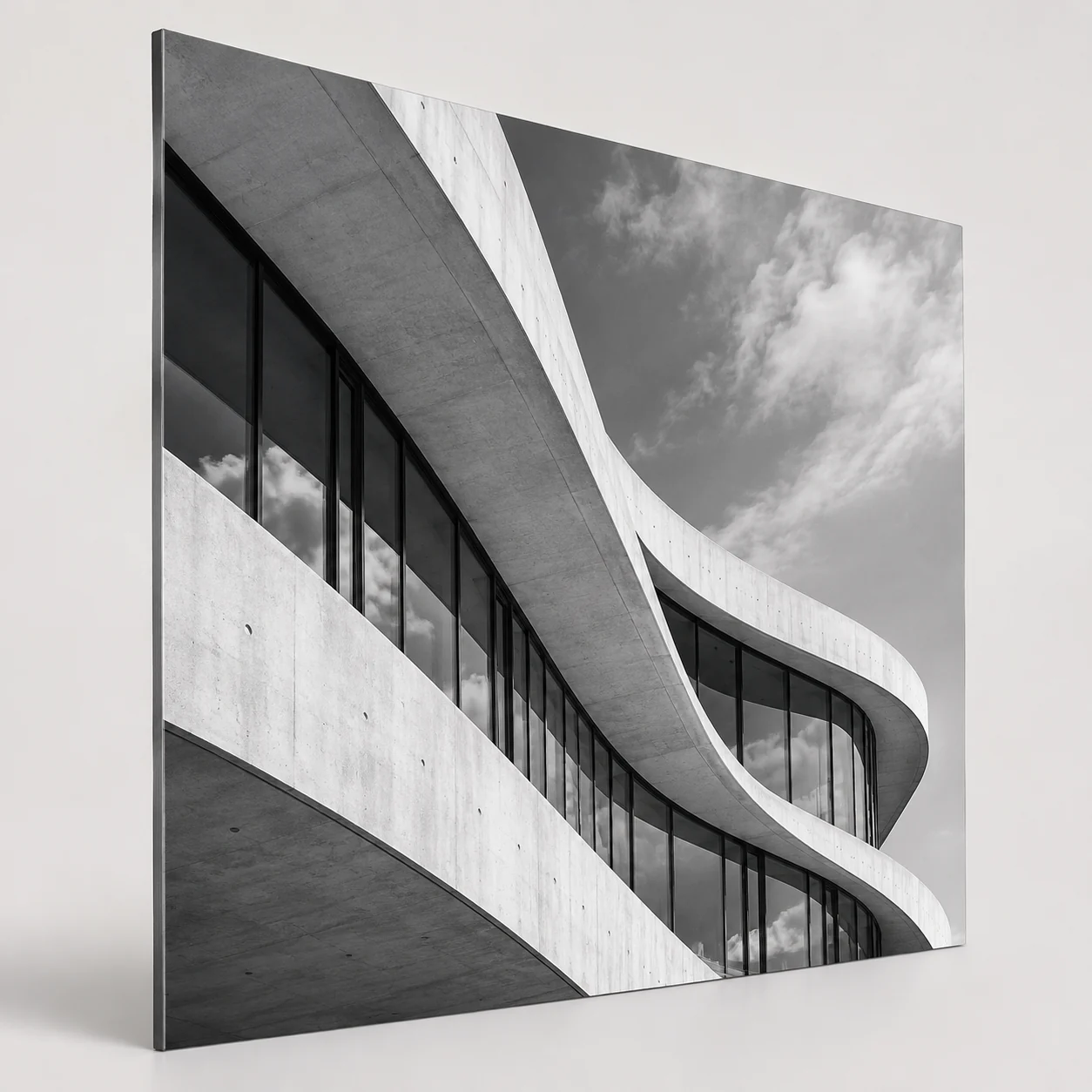
Quantity: 1; Dimensions in CM: 100x100; Panel Type: 3 mm white Dibond; Print type: Direct UV printing; White Ink Printing: None; Front/Back Print: No; Cut: Straight Cut; Drilling: Without Holes; Packaging: Two 40 MM polystyrene sheets with perimeter bumper
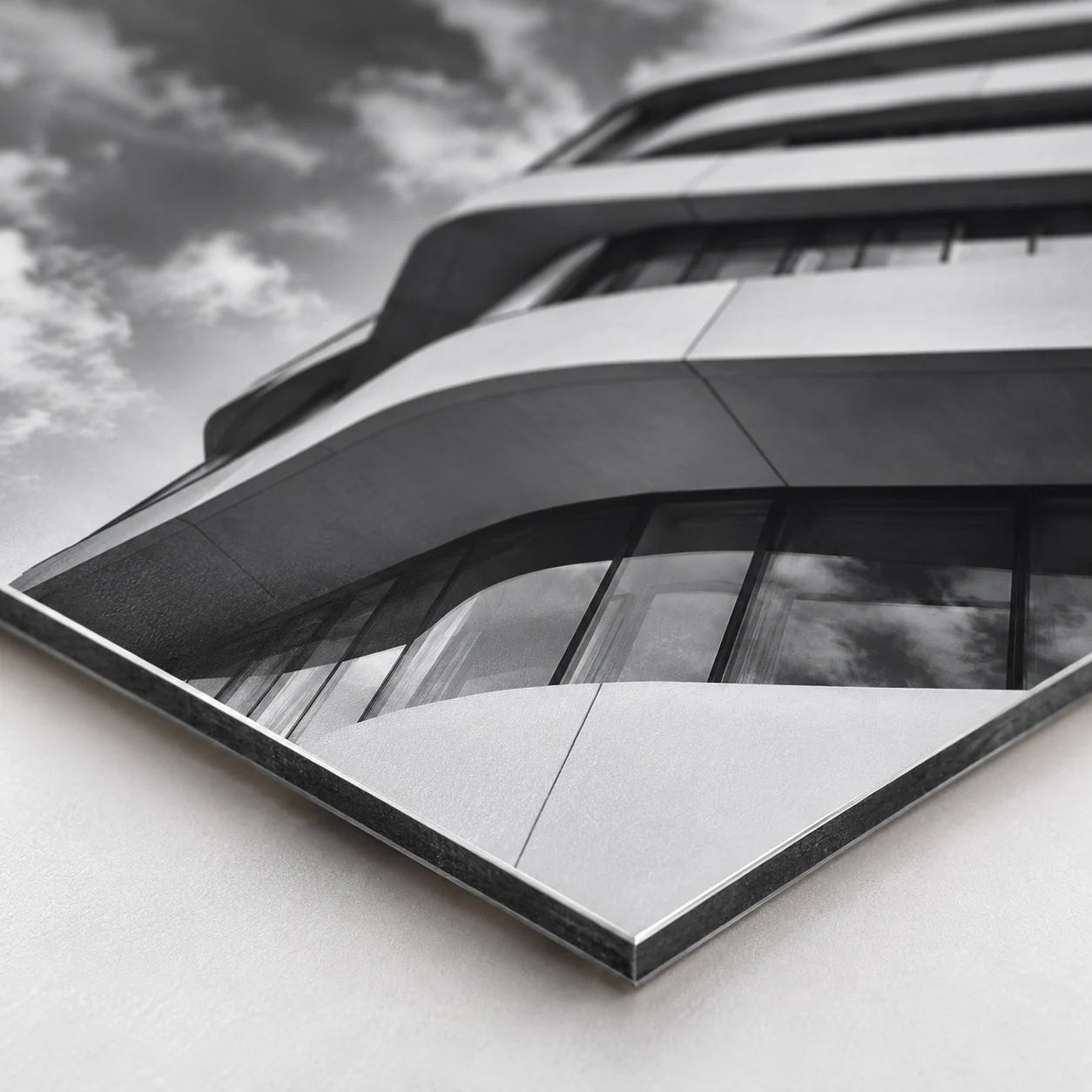
With photo printing on Dibond aluminum your image is reproduced on a 3 mm rigid panel, available in White or Silver version. You can choose direct UV printing or the application of glossy or matte white adhesive PVC, with optional lamination. White printing by area is also available. Printing is on one side only, the cut is square and drilling is your choice: no holes, four holes at the corners or two at the center of the sides. You enter sizes in centimeters and quantity, from one piece upward. It is suitable for galleries and photo studios, offices, shops and commercial spaces.
Take a look at these too
Photo on Dibond aluminum: print on a white or silver panel
The Dibond panel gives a photograph a technical, tidy look. That is why photo printing on aluminum is requested by galleries, photo studios, offices and shops that want to display images and graphics in a clean way. You can order it online in the size you need, even as a single copy.
The support is a composite panel: layers of aluminum with an inner core, not a solid sheet. The result is a rigid, flat surface on which the image is printed directly or applied as an adhesive. Frames and supports are not part of the product.
Who needs a photo on aluminum
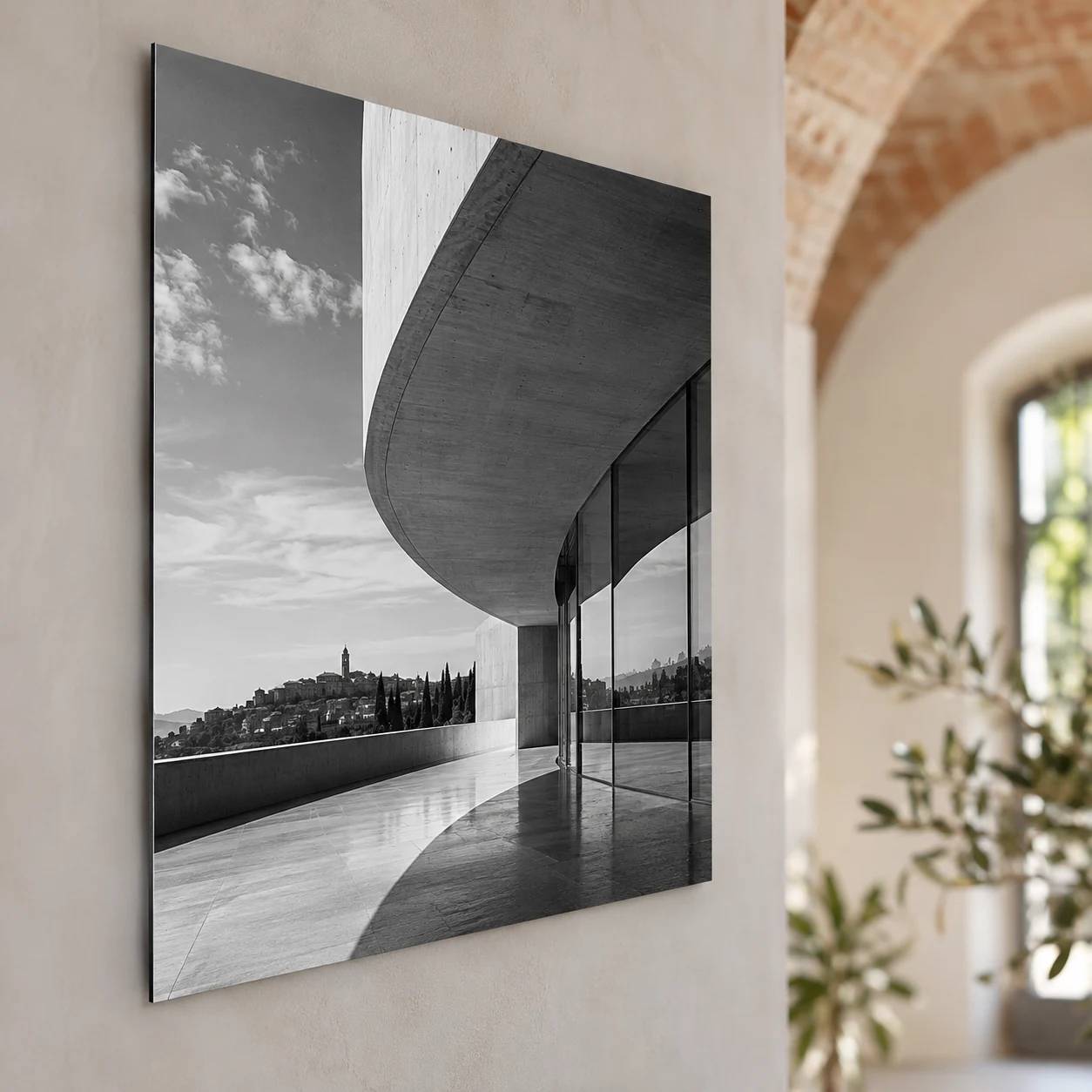
A photo on aluminum is made to be hung on a wall and viewed up close. The uses are varied:
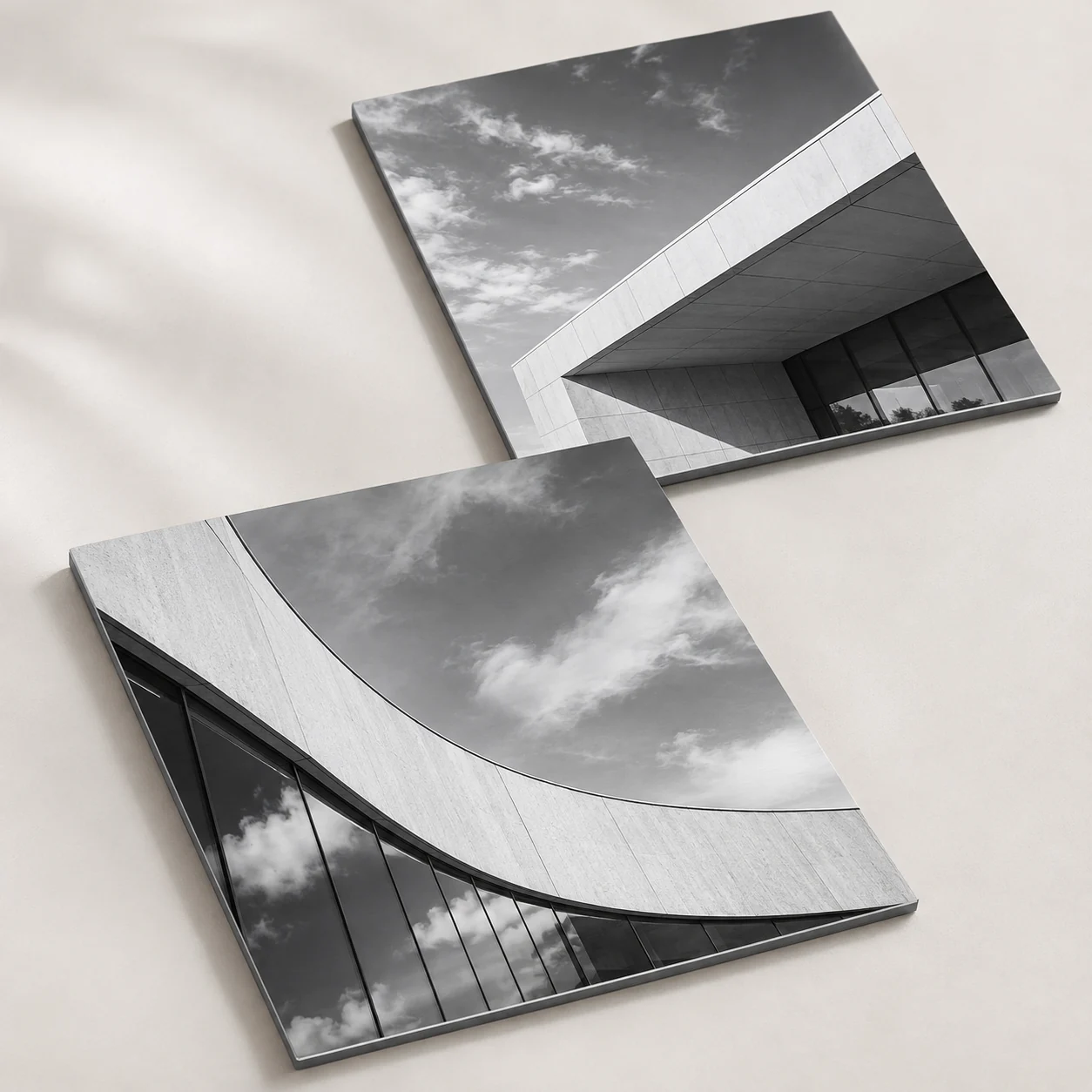
- Galleries and photo studios: to display signature shots, color or black and white series, and work to show to clients.
- Offices and professional practices: to decorate entrances, meeting rooms and corridors with coordinated images.
- Shops and commercial spaces: for product photographs, campaign images and brand graphics.
In every case you choose the subject: a photograph, an illustration, a graphic with text. Each panel is produced from the file you upload.
The panel: Dibond 3 mm White or Silver
The first choice concerns the Panel Type. There are two values and they have the same thickness: only the background color changes.
- Dibond 3mm White: the background is white, like a sheet of paper. It is the most neutral base for color photographs and for graphics with light backgrounds.
- Dibond 3mm Silver: the background is silver-colored. It makes sense when you want the metallic look of the panel to become part of the image.
Print type: direct UV or applied adhesive PVC
With the Print Type option you decide how the image gets onto the panel.
- Direct UV print: the photo is printed directly on the surface of the Dibond.
- Adhesive PVC application: the photo is printed on an adhesive PVC, which is then applied to the panel.
For the application you also choose the Material: Glossy White Adhesive PVC, with a shiny surface, or Matte White Adhesive PVC, without reflections. The Material Quality option distinguishes two levels, Standard and Long Life: the second is designed for panels that need to stay on display for longer.
Lamination with UV filter and white printing
The Lamination is a film laid over the print. You can leave "None", or choose Glossy Lamination with UV filter or Matte Lamination with UV filter. With the two versions you decide the final result: the glossy one makes the surface shiny, the matte one reduces reflections, which is useful if the photo faces a window or hangs under spotlights.
With Lamination Quality you choose between Standard and Extra UV Guard.
White Print has two values: None or By Area. By area means that white is printed only in some areas of the graphic, indicated in the file. It can be useful, for example, on the Silver background, where the white is not provided by the panel. If you do not need it, leave "None".
Indoors and outdoors: panel, films and protection
Dibond is composite aluminum. The White one is described in the configurator as non-deformable and resistant, while the Silver one has a silver metallic finish. Direct UV printing is excellent for indoors and good for outdoors. With the application, the two adhesive PVCs are suitable for indoor and outdoor use on flat, smooth surfaces: the glossy one gives brilliant colors, the matte one is anti-glare.
Standard quality is a monomeric film, designed for indoors and for temporary outdoor applications. Long Life is a polymeric film, more dimensionally stable. The same applies to lamination: Standard is monomeric, Extra UV Guard is polymeric, with reinforced UV protection against fading and weathering. Without lamination the print has no additional protection, a condition recommended only for temporary indoor use.
One advantage of the application: the graphic can be replaced while keeping the panel, when its condition allows it.
Cutting, drilling and packaging
- Front/Back Printing: not available, only one side is printed.
- Cut: Square Cut. The panel is rectangular or square, with straight sides.
- Drilling: No Holes, Four Holes at the Corners, Two Holes at Center Right/Left. The holes are for those who mount the panel with their own fixing system, which is not included.
- Packaging: two 40 mm polystyrene sheets with perimeter edge protectors, for panels that are shipped, or "No Packaging (Pick-up at Our Premises)" if you come to collect the order in person.
Sizes and quantities
Dimensions are custom and must be entered in centimeters. You can order from 1 piece. The configurator updates the price according to the sizes, quantity and options selected.
Always enter the finished size of the panel, width by height. The format can be landscape, square or portrait, that is taller than it is wide: what matters is that the proportions match those of your photo. If you order a large size, first check the free space on the wall and the bulk of the panel.
How to choose between the options
- You want the neutral background of a classic photographic print: start from White Dibond.
- You want a silver-colored background: choose Silver Dibond and consider white printing by area.
- You want a glossy surface: Glossy White Adhesive PVC or Glossy Lamination with UV filter.
- You want to limit reflections: Matte White Adhesive PVC or Matte Lamination with UV filter.
- You need to fix the panel through the sheet: choose four holes at the corners or two holes at the center of the right and left sides.
- You use another way to hang it: leave "No Holes", so the image stays intact.
How to order and prepare the file
Choose background, print, finishes and drilling, then upload the photo. Before sending the graphic, read the file instructions, especially if you use white by area. The available production times are shown by the configurator; delivery also depends on the shipping method chosen.
At the end, before confirming the order, do three checks:
- the file has the same proportions as the size you entered;
- important details, such as faces and text, do not fall where you asked for the holes;
- the summary shows the panel, print type, lamination and packaging you wanted.
Three typical configurations for a photo on aluminum
The configurator has many options. These examples show how to combine them starting from the use, to be adapted to your case.
A photograph for a home or gallery wall
Dibond 3mm White, the most neutral background for color photographs. Direct UV print, which puts the image directly on the surface of the panel. If the wall is lit by spotlights or faces a window, consider a matte surface, such as Matte White Adhesive PVC or Matte Lamination with UV filter, and check in the configurator which options are available with the print type you chose. Drilling of your choice between two holes at the center of the sides, to hang the panel horizontally, and "No Holes" if you use your own system on the back.
A coordinated series for an office or an entrance
The same type of panel, the same print type and the same lamination for all pieces, so surfaces and colors stay uniform from one panel to the next. Enter the quantity for each subject: you can go from 1 to 250 pieces. If you want to fix the panels with screws or spacers, choose the four holes at the corners.
A panel displayed outdoors for a long time
Adhesive PVC application with Long Life quality, glossy or matte lamination with UV filter and Extra UV Guard quality: this is the combination the configurator indicates for long-term outdoor applications. The application also has a practical advantage: when the condition of the panel allows it, the graphic can be replaced while keeping the support.
The Silver background and white printing by area
On Silver Dibond the background is silver-colored with a metallic finish, and the white is not provided by the panel. White Print "By Area" applies an opaque white ink only in the selected areas of the design, to give opacity and more vivid colors where needed.
In practice you can decide which parts of the image should appear solid and opaque, for example a face, a logo or a text, and which to leave without white, on the silver background. The areas to be printed with white must be indicated in the file: for how to prepare them, read the file instructions before uploading the graphic.
If you do not need a metallic effect, White Dibond with "None" for white printing is the simplest choice.
Preparing the file for a photo on aluminum
- Set up the file with the same proportions as the entered size, width by height.
- Keep text, signatures and logos at least 2-3 mm inside the finished size, because trimming can remove 1-2 mm. For backgrounds and images that reach the edge, read the file instructions.
- If you chose drilling, keep the corners or the center of the sides, where the 5 mm holes fall, free of important details.
- For the required resolution, view the photo at its real size and read the file instructions: a small image enlarged a lot loses detail.
Frequently asked questions
What is the difference between White and Silver Dibond?
They are the two versions of the 3 mm panel: one with a white background, the other with a silver background.
What is the difference between direct UV printing and adhesive PVC application?
In the first case the photo is printed on the panel. In the second it is printed on a white adhesive PVC, glossy or matte, which is applied to the Dibond.
When is white printing by area used?
When you want white only in some parts of the image. If you do not need it, leave "None".
Can I protect the print with lamination?
Yes, glossy or matte, both with UV filter, in Standard or Extra UV Guard quality.
Does the panel arrive already drilled?
Only if you request it: four holes at the corners or two at the center of the sides. The alternative is "No Holes".
Can the photo on aluminum be printed on both sides?
No. Front and back printing is not available: the image occupies only one side of the panel.
Can I order just one photo on aluminum?
Yes, the quantity starts from 1 piece. Anyone furnishing several rooms with the same subject can enter a larger number.
Are there fixed sizes?
No. You enter width and height in centimeters and the cut is always square.
How is the panel packaged?
Between two 40 mm polystyrene sheets with perimeter edge protectors. If you pick up at our premises you can choose "No Packaging".
Is the photo on aluminum suitable for outdoors?
Yes, with the right choices. For prolonged outdoor display the configurator indicates the Long Life film with Extra UV Guard lamination.
What diameter are the holes?
5 mm. The ones at the corners are for screws or spacers, the two at the center of the sides for hanging the panel horizontally.
Which finish should I choose for a photo under spotlights?
A matte surface limits reflections: Matte White Adhesive PVC or Matte Lamination with UV filter.
How many panels can I order together?
From 1 to 250 pieces per configuration.
With Silver Dibond, do I have to use white printing?
It is not mandatory. White by area is for where you want opaque, vivid colors on the silver background; elsewhere you can leave "None".
Related products
If you are looking for a different support for the same image, discover Photo on Forex and Photo on Plexiglas. You can find the rest in the category Canvas prints and wall art.
The pages Photo on Forex and Photo on Plexiglas print your image on a support other than aluminum: look at their options before deciding. For wall art on panel with custom sizes and cuts there is Print on rigid panel: custom wall art.
If you prefer canvas to a panel, look at Photos and illustrations on canvas and the category Canvas wall art. More ideas for printing your photos are in Photo printing, canvas prints.
To help you decide: stay with the photo on aluminum if you need the white or silver background of Dibond, the choice between direct printing and adhesive PVC, drilling and lamination with UV filter. If you want a canvas surface instead of a panel, start from Photos and illustrations on canvas or from the category Canvas wall art. For other custom panels go back to Print on rigid panel: custom wall art, and for the whole wall art range visit Canvas prints and wall art or Photo printing, canvas prints.
Dall’idea al file pronto per la stampa
Con il servizio di progettazione grafica puoi creare una nuova composizione, vettorializzare un logo o adattare immagini e impaginazione al prodotto scelto. Condividi materiali e indicazioni in chat e rivedi le anteprime prima della preparazione dei file finali.
Scopri il servizio di progettazione grafica
Il servizio grafico è incluso nel prezzo di stampa?
La progettazione grafica è un servizio a pagamento, acquistabile separatamente. Il controllo del file di stampa rimane compreso nel prezzo del prodotto; per creare o modificare la grafica puoi acquistare il servizio dedicato.
Configurations
- Photo print on aluminium (GB)
Quantity: 1; Dimensions in CM: 100x100; Panel Type: 3 mm white Dibond; Print type: Direct UV printing; White Ink Printing: None; Front/Back Print: No; Cut: Straight Cut; Drilling: Without Holes; Packaging: Two 40 MM polystyrene sheets with perimeter bumper
- Photo print on aluminium (US)
Quantity: 1; Dimensions in CM: 100x100; Panel Type: 3 mm white Dibond; Print type: Direct UV printing; White Ink Printing: None; Front/Back Print: No; Cut: Straight Cut; Drilling: Without Holes; Packaging: Two 40 MM polystyrene sheets with perimeter bumper
Starting from 56,21 €/m², VAT excluded · Total: 68,58 € (VAT included)