Photos on Plexiglas
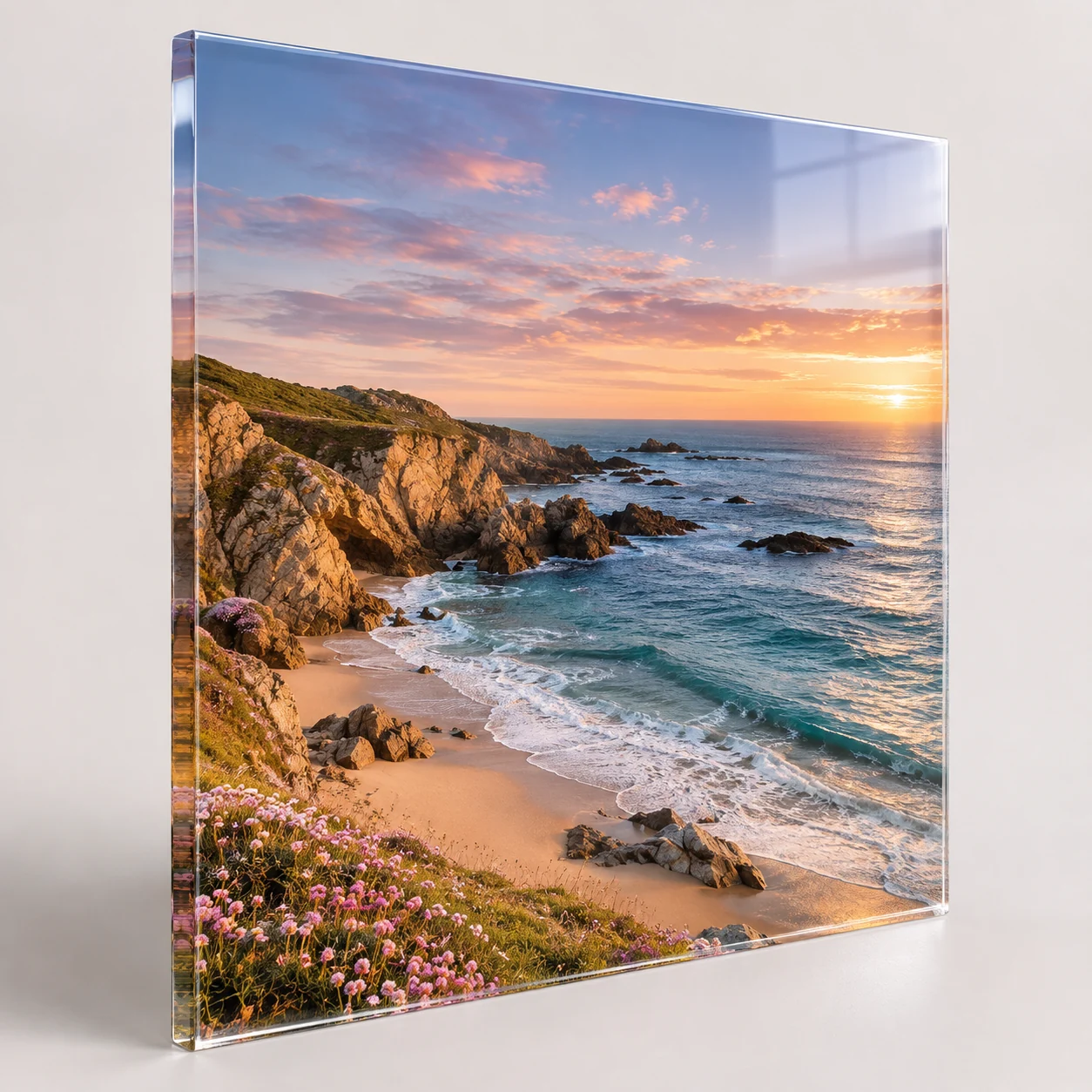
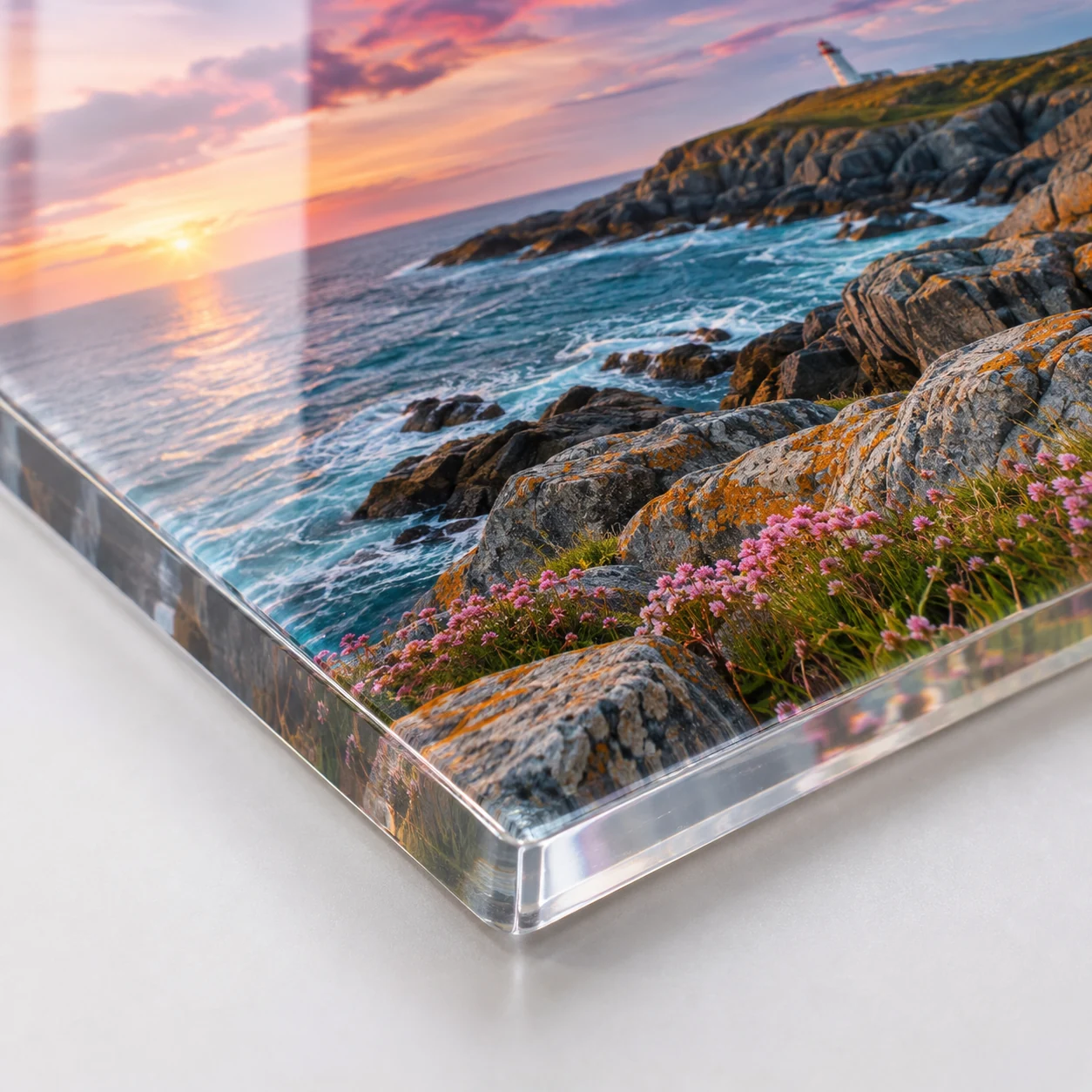
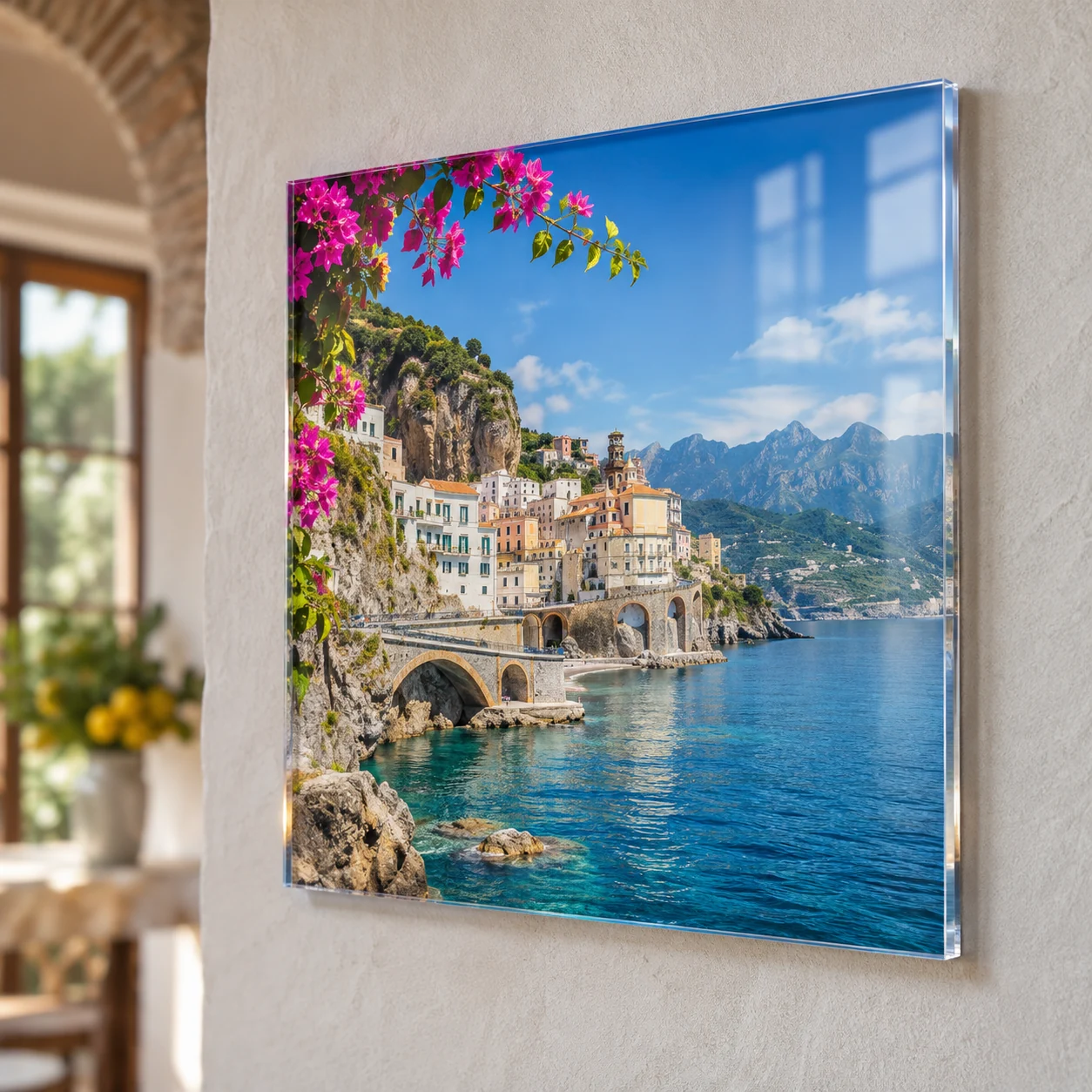
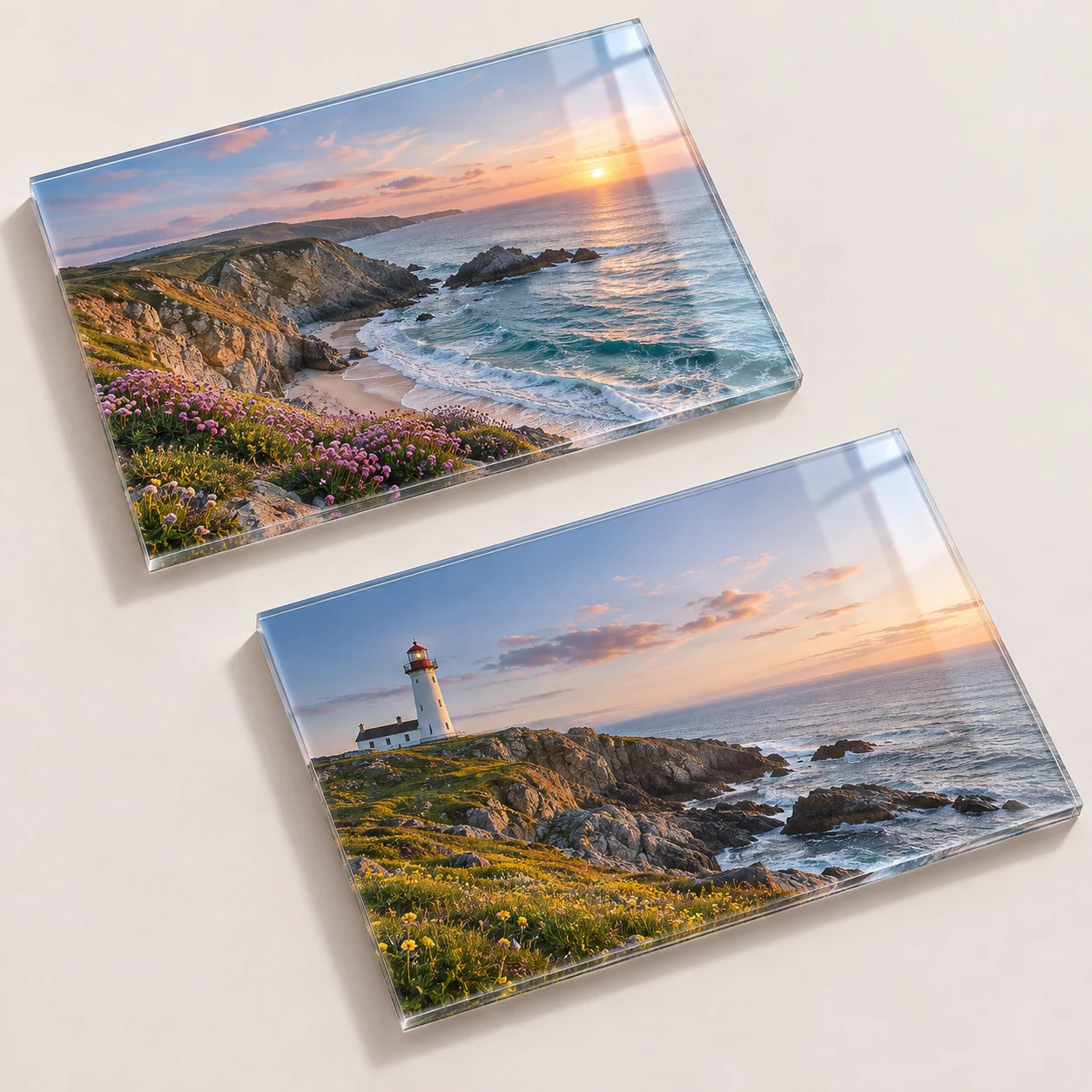
Quantity: 1; Dimensions in CM: 100x100; Panel Type: 3 mm clear Plexiglass; Print type: Direct UV printing; Mirror Print: No; Cut: Straight Cut; Drilling: Without Holes; Packaging: Two 40 MM polystyrene sheets with perimeter bumper
Clear photo printing on Plexiglas brings your images onto a rigid sheet 3, 5 or 10 mm thick. The photo is reproduced with direct UV print or by applying adhesive PVC, with gloss or matt lamination on request. As it is a transparent material, you can set white printing, by zone or overall, and mirror printing. The panel has a square cut and, if needed, holes at the corners or at the center of the sides. Free dimensions in centimeters, starting from a single piece. It is used for interior decoration in showrooms, hotels and professional offices and to present photographs with a modern look.
Take a look at these too
Photo printing on clear Plexiglas, in custom sizes
A photo printed on Plexiglas makes the most of the transparency of the sheet: the surface is smooth and the image gains depth. It is chosen by showrooms, hotels and professional offices to decorate interiors, and by photographers to present their work. Compared with other panels, there are two additional options to consider here: white ink and mirror printing.
Where to display photos on Plexiglas
- Showrooms and shops: clean-looking product and lifestyle images.
- Hotels and venues: coordinated photographs and graphics for lobbies, corridors and rooms.
- Professional offices: wall pictures for the waiting room or meeting room.
- Photographers: single works or series of subjects in the same size.
- Home: a family or travel photo with a different effect from a print on paper.
Materials and options
The sheet and the print
- Panel Type: Clear Plexiglas in 3 mm, 5 mm or 10 mm. The thicker the sheet, the more the edge and the depth effect stand out.
- Print type: Direct UV print, with the photo printed directly on the sheet, or Adhesive PVC application, with the photo printed on a film that is then applied to the Plexiglas.
- Material: for the application, Adhesive PVC for Illuminated Signs is provided.
- Material Quality: Standard or Long Life.
- Lamination: None, Gloss with UV filter, Matt with UV filter. The related Lamination Quality is Standard or Extra UV Guard.
White and mirror printing
- White Printing: "Zone" prints white only in some areas of the graphic; "Overall" lays it over the entire image.
- Mirror Printing: with "Yes" the photo is printed flipped, to be read correctly when looking from the other side of the sheet. If you are unsure you can select "Not sure".
Finishing and packaging
- Cutting: Square cut.
- Drilling: No Holes, Four Holes at the corners, Two Holes at Center Right/Left.
- Packaging: two 40 mm polystyrene sheets with perimeter corner protectors, or no packaging with pickup at our premises.
Why white matters on Plexiglas
The sheet is transparent. Where the graphic has no background, you can see what is behind it: the wall, the light, other objects. The white layer gives body to the colors and makes the image opaque.
- Overall: white covers the entire print. It is the choice for a full-bleed photograph, to be read like a picture.
- Zone: white is present only in some areas, while the others remain transparent or semi-transparent. It makes sense for logos, text and cut-out subjects, when you want the rest of the sheet to show the background.
Mirror printing: when you need it
It depends on which side of the sheet you will look from. If the photo is printed on the back and viewed through the Plexiglas, it must be flipped in printing to appear the right way round: this is the "Yes" option. If the print is on the side facing the viewer, it stays "No". If you are not sure which applies to you, select "Not sure".
How to choose thickness, print type and holes
- Thickness: 3 mm for small sizes, 5 mm as an intermediate size, 10 mm when you want a sheet with strong presence. With large sizes it makes sense to go up in thickness.
- Print type: direct UV print puts the ink on the sheet. The application uses an adhesive film, to which you can add gloss or matt lamination.
- Durability: the choice of material and protection depends on the display conditions. The names Long Life and Extra UV Guard do not indicate a number of years of durability.
- Drilling: four holes at the corners to fix the sheet firmly to the wall; two holes at the center of the sides for other hanging systems; no holes if you lean it on a surface or use your own support.
Indoor and outdoor use, holes and protection
Direct UV print is rated excellent for indoor use and good for outdoor use. With the application, Adhesive PVC for Illuminated Signs is a translucent film that lets light through: it is suitable when the sheet is backlit. Without lamination the film has no additional protection; the film with UV filter protects it from scratches, sunlight and weather, and the matt one has an anti-glare satin effect.
The holes have a diameter of 5 mm: at the corners for wall mounting with screws or spacers, at the center of the sides for hanging the sheet horizontally. The 10 mm sheet is the sturdiest. With "Not sure", our team reviews the file and the intended use and decides whether mirror printing is needed.
Sizes and quantities
Width and height are entered in centimeters, with no fixed formats. Quantity starts at 1 and goes up to 250. The price is calculated by the configurator according to the sizes, quantity and options chosen.
Tips on sizes and files
Enter the finished size of the sheet and prepare a file with the same proportions. If you plan to have holes, do not place faces or text in the corners or at the center of the sides. In photos with very light areas, remember that without white those areas let the background show through. Check all the details in the summary before confirming the order.
How to order and prepare the file
After setting the sheet, print, white and holes, upload the photo. If you choose zone white, the file must indicate where it is to be printed: before sending the artwork, read the file instructions. The configurator shows the available production times; delivery also depends on the shipping method chosen.
Option combinations for photos on Plexiglas
Every setting calls for a different combination. These examples help you set up your photo on Plexiglas; the final choice depends on the image and how you will mount it.
- Full photograph to hang at home or in the office: Overall white, so the image is opaque like a picture, and four holes at the corners for wall mounting.
- Logo or cut-out subject on a clear sheet: Zone white, only under the subject, while the rest of the sheet lets the wall show through.
- Sheet in front of a light source: Adhesive PVC application with Adhesive PVC for Illuminated Signs, a translucent film that lets light through.
- Setting with direct lights or windows in front: with the application you can choose matt lamination with UV filter, with an anti-glare satin effect.
- Sheet leaning on a surface or on your own support: No Holes.
If the photo is to be read through the sheet, remember mirror printing; if you do not know which side will face the viewer, choose "Not sure".
Frequently asked questions about photos on Plexiglas
Is the Plexiglas clear or colored?
Clear, in three thicknesses: 3, 5 and 10 mm.
What is white printing for?
It is an option specific to this material: you decide whether white is printed only in some zones or over the whole image.
I don't know if I need mirror printing. What do I select?
The configurator has a "Not sure" option, designed for this case.
Can I have holes for mounting?
Yes, four at the corners or two at the center of the right and left sides.
Can I order a photo on Plexiglas in a custom size?
Yes. Dimensions are free and you enter them in centimeters.
Can I have a shaped sheet?
No, the cut is square.
How thick can the sheet be?
Up to 10 mm. The other thicknesses are 3 and 5 mm.
Can the photo on Plexiglas be backlit?
The material provided for the application is Adhesive PVC for Illuminated Signs, translucent, designed for lightboxes and backlit signs. It is the combination to consider if the sheet is to be mounted in front of a light source.
Can I replace the photo on Plexiglas and keep the sheet?
With the Adhesive PVC application the graphic is printed on a film applied to the panel and can be replaced while keeping the support, when its condition allows. With direct UV print the photo is printed on the sheet.
Related products
For a non-transparent support, see Photo on Forex or Photo on aluminum, or browse the category Canvas prints and pictures.
If you prefer a canvas print instead of a photo on Plexiglas, you will find Canvas pictures and Photos and illustrations on canvas. For a custom picture on a rigid panel there is Print on rigid panel: custom pictures. Other photo solutions are gathered in Photo printing, canvas prints.
Dall’idea al file pronto per la stampa
Con il servizio di progettazione grafica puoi creare una nuova composizione, vettorializzare un logo o adattare immagini e impaginazione al prodotto scelto. Condividi materiali e indicazioni in chat e rivedi le anteprime prima della preparazione dei file finali.
Scopri il servizio di progettazione grafica
Il servizio grafico è incluso nel prezzo di stampa?
La progettazione grafica è un servizio a pagamento, acquistabile separatamente. Il controllo del file di stampa rimane compreso nel prezzo del prodotto; per creare o modificare la grafica puoi acquistare il servizio dedicato.
Configurations
- Photos on Plexiglas (GB)
Quantity: 1; Dimensions in CM: 100x100; Panel Type: 3 mm clear Plexiglass; Print type: Direct UV printing; Mirror Print: No; Cut: Straight Cut; Drilling: Without Holes; Packaging: Two 40 MM polystyrene sheets with perimeter bumper
- Photos on Plexiglas (US)
Quantity: 1; Dimensions in CM: 100x100; Panel Type: 3 mm clear Plexiglass; Print type: Direct UV printing; Mirror Print: No; Cut: Straight Cut; Drilling: Without Holes; Packaging: Two 40 MM polystyrene sheets with perimeter bumper
Starting from 45,36 €/m², VAT excluded · Total: 55,34 € (VAT included)