White cut vinyl, 2 pcs
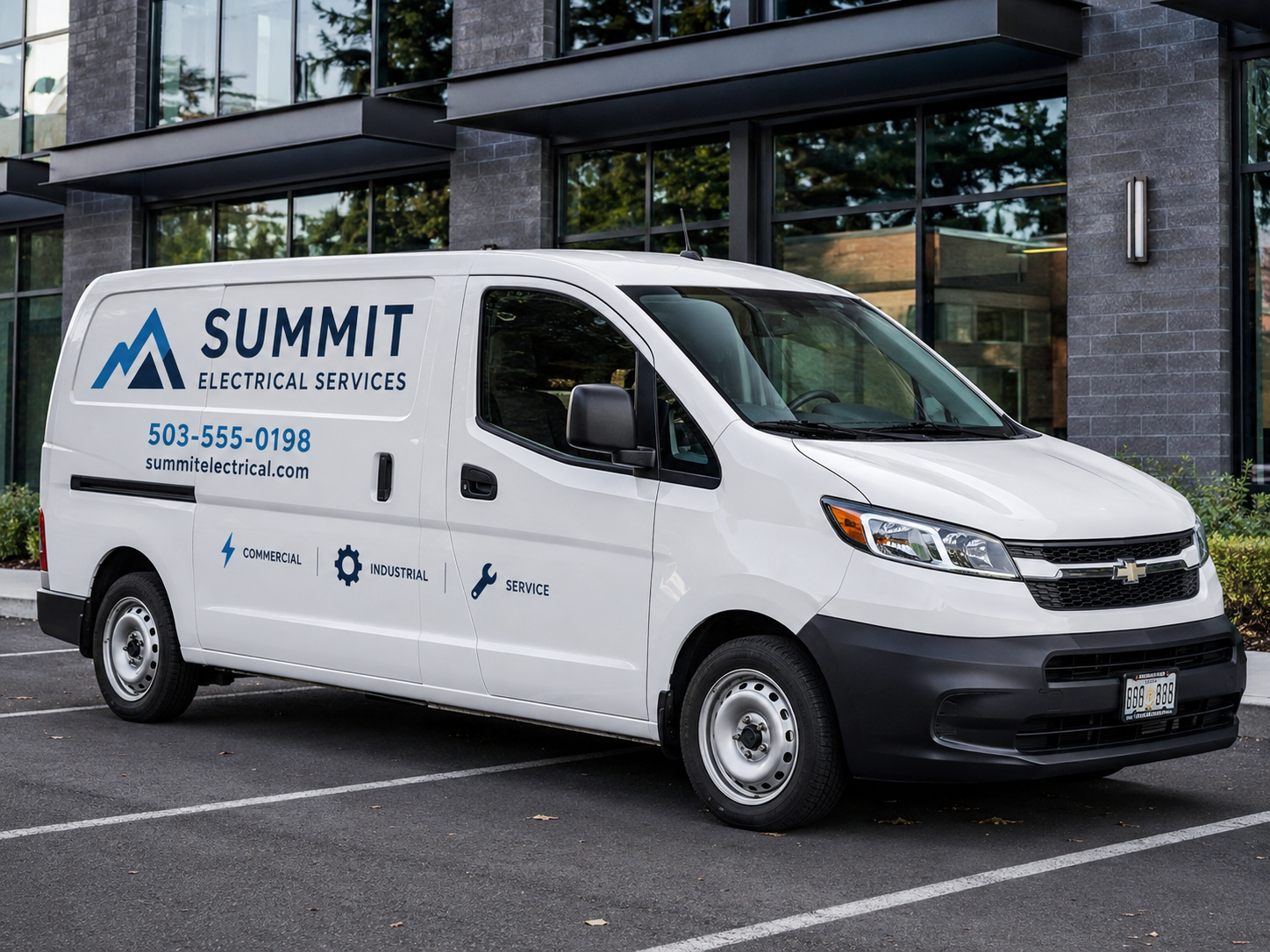
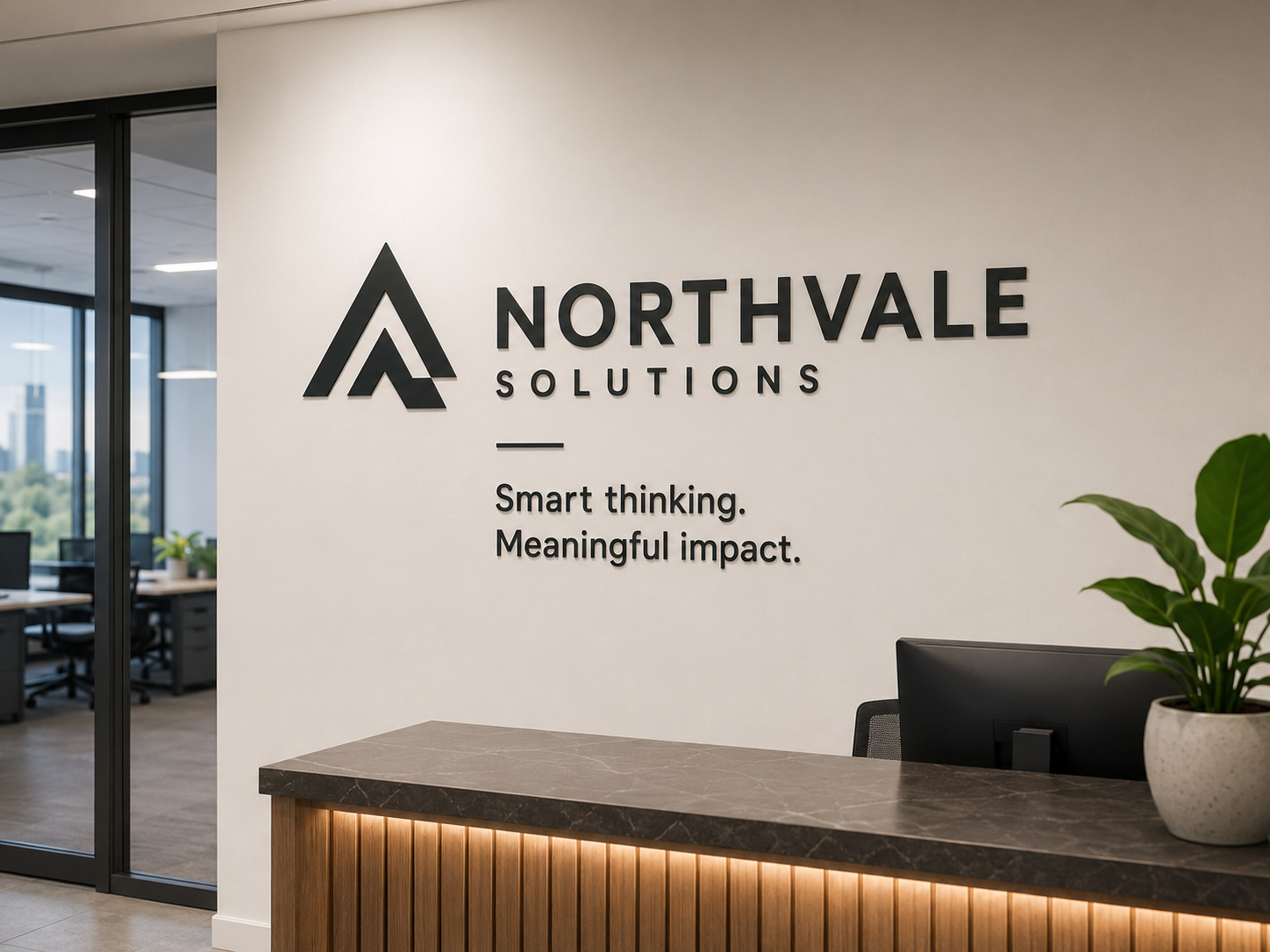
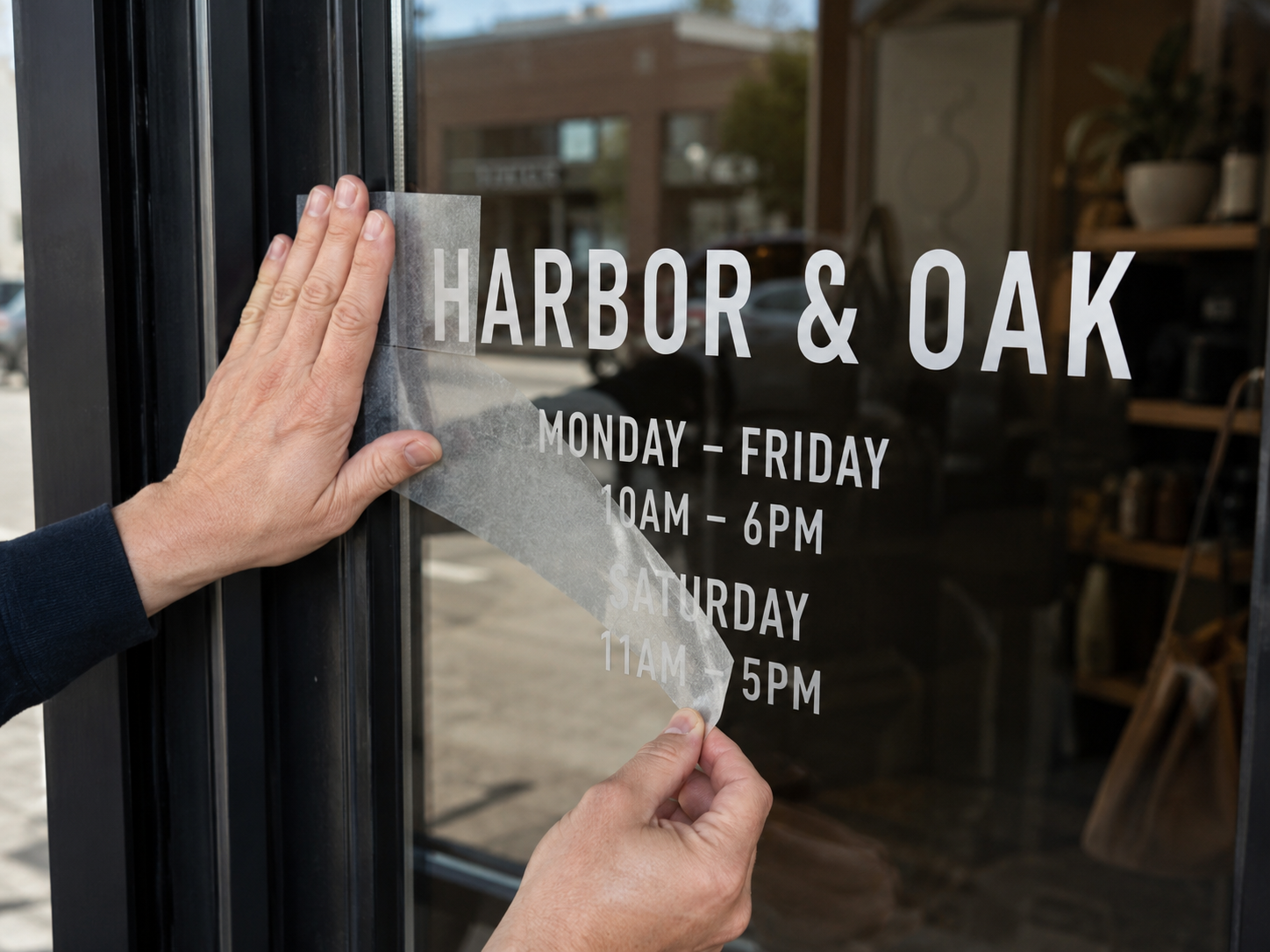
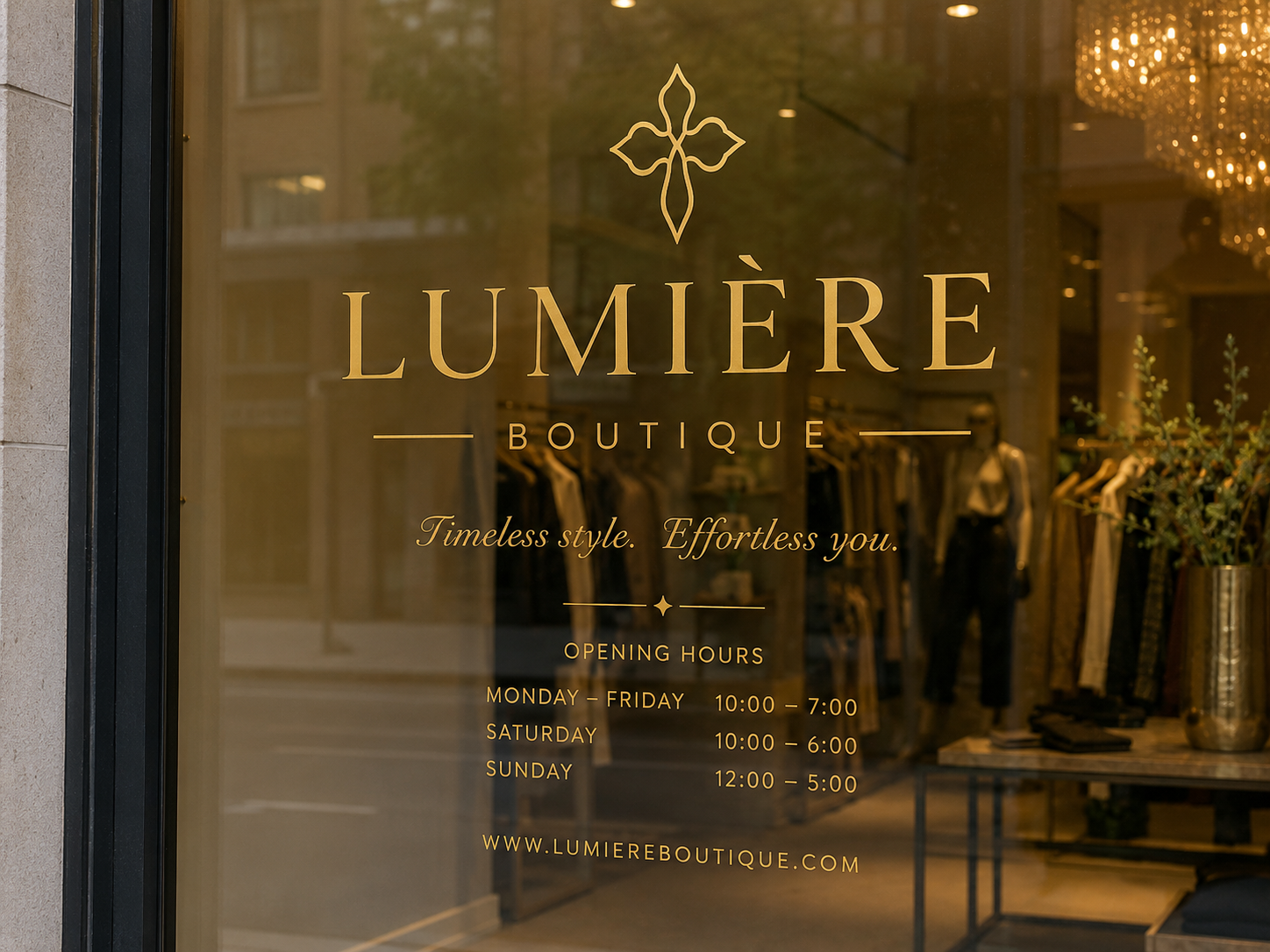
No. of Stickers: 2; Dimensions in CM: 100x100; Print options: Unprinted; Vinyl Color: White; Adhesive cutting: Contour Cut (Kiss Cut); Weeding of Single Copy: (kiss cut only); Application Tape: Not Required
The die-cut colored PVC stickers cut by plotter are letters, logos and shapes made from unprinted colored vinyl: the color is that of the material you choose. The range includes white, black, red, royal blue, lime green, metallic gold and silver and many other shades. You decide the cut between kiss cut, square cut or untrimmed on a roll, the weeding level based on how many pieces make up the graphic, and whether to add application tape. Dimensions are free up to 120x1000 cm. They are used for lettering on windows, walls and vehicles, where a clean shape without a background is needed. The price is calculated by the configurator according to the options chosen.
Take a look at these too
Die-cut colored vinyl stickers
A die-cut sticker has no printed background: the graphic is the shape itself, cut from a solid-colored film. The result is a lettering or logo in a flat color that lets the surface show through all around it. It is the format used for shop windows, wall lettering, vehicle logos and simple signs.
Who die-cut stickers are for
Die-cut stickers are a tool for shopkeepers, installers, craftspeople and companies with their own vehicles. They are used when you need a clean shape, without a rectangular background:
- Shop windows: shop name, logo, opening hours, decorations.
- Walls: a phrase or a brand inside an office, a studio, a venue.
- Vehicles: logo and contact details on the sides of company vehicles.
- Signs and panels: simple one-color lettering.
Vinyl color: the available range
The Print options field has only one value, not printed: the graphic comes from the cut, not from ink. The color is therefore that of the film you choose under Vinyl color. The range includes:
- Neutrals: white, black, matte black, light grey, dark grey, anthracite, cream or ivory.
- Reds and pinks: red, dark red, burgundy, pink, hot pink, magenta.
- Yellows and oranges: yellow, lemon yellow, ochre yellow, orange, dark orange.
- Greens: green, light green, dark green, lime green, mint.
- Blues and purples: light blue, blue, royal blue, dark blue, turquoise, purple, dark purple, lavender.
- Browns: brown and dark brown.
- Metallics: metallic silver and metallic gold.
Black appears in two options, one of them with a matte finish.
Cutting, weeding and application tape
- Sticker cut: kiss cut that follows the outline of the graphic; square cut; or untrimmed, on a roll.
- Weeding of each single copy: this is the removal of the excess vinyl around the shape. You can leave the kiss cut only or choose the level according to the graphic: easy (from 2 to 30 pieces, details over 15 mm), complex (from 31 to 100 pieces, details over 10 mm), very complex (over 100 pieces, details under 10 mm).
- Application tape: yes or not needed. It is the transfer film that holds separate pieces together during application, useful when the graphic is made of several elements.
How to choose the right options
Start from the graphic and from the state in which you want to receive the sticker.
- You want a sticker ready to apply: kiss cut, the suitable weeding level and application tape.
- You prefer to remove the excess vinyl yourself: leave the "kiss cut only" option.
- You have a single, solid shape, such as a circle or a band: application tape may not be needed.
- You have lettering with separate letters: choose application tape, which keeps the spacing between the letters.
For the weeding level, count the pieces that make up one copy and measure the smallest detail. For color, look for contrast with the surface: light shades on dark backgrounds and vice versa. On glass, where the interior behind it is often in shadow, light colors are usually easier to read.
Sizes and quantities
Enter the dimensions in centimeters: they are free up to a maximum of 120x1000 cm. There are no standard formats to follow. In the number of stickers field, the configurator offers 1 or 10 pieces.
Always enter the overall dimensions of the graphic, meaning the rectangle that contains it, and check that the proportions match those of the file.
How to order and prepare the file
Choose color, dimensions, cut and weeding: the configurator calculates the price based on these choices. Then upload the file with the shape to be cut. Before sending the graphic, read the file instructions. The configurator shows the available production times; delivery also depends on the shipping method chosen.
How to prepare the file for die-cut stickers
For die-cut stickers the file does not contain colors to be printed: it describes the path the plotter has to cut. You therefore need a vector path of the shape, with the same proportions as the dimensions you enter in the configurator. The color is not set in the file: you choose it under Vinyl color.
Since the vinyl is not printed, the bleed required for printed graphics is not needed. What matters is the size of the details. Below 10 mm the graphic falls into the very complex weeding level and the smallest parts may not be weedable. If you can, enlarge the graphic or simplify the thinnest details. For the file format, read the file instructions before uploading it.
Configuration examples for die-cut stickers
- Shop name in the window: a lettering of about a dozen pieces, with all details over 15 mm, falls into the easy level, which goes from 2 to 30 pieces. Add application tape, which keeps the letters in position during application.
- Long phrase on a wall: dimensions go up to 120x1000 cm, so even lettering several meters long fits in a single configuration. With the same level of detail, over 30 pieces the level becomes complex and over 100 very complex.
- One-color logo on a company vehicle: choose the vinyl color closest to the brand and assess the weeding level based on the number of parts in the logo.
- Graphic to trim yourself: with the untrimmed, on a roll option the sticker arrives without cutting and trimming is up to you.
Finally, the square cut is a straight cut flush with the graphic, with clean edges: it is used when there is no need to follow the outline of the shape.
Frequently asked questions about die-cut stickers
Can I have a multicolor die-cut sticker?
This product is not printed and one vinyl color is chosen for each order. For a colored graphic you need the printed stickers in the same category.
What is the difference between the weeding levels?
The difference is the complexity of the graphic: the configurator distinguishes them by the number of pieces in each copy and the size of the details, from easy to very complex.
Do I need application tape?
For a single shape you can indicate that it is not needed. With separate letters or several elements, choose it to transfer them all together while keeping the spacing.
How large can the sticker be?
Up to 120x1000 cm, so even lettering several meters long.
Are there metallic colors?
Yes, metallic silver and metallic gold.
What does "untrimmed, on a roll" mean?
It is one of the three sticker cut options: the material is not trimmed around the graphic. The alternatives are the square cut and the kiss cut.
How many stickers can I order?
The configurator offers 1 or 10 pieces per configuration.
I need printed labels with a white background: is this the right page?
No. Here the vinyl is solid-colored and not printed. For printed labels, see the other pages in the category.
Do die-cut stickers require bleed?
No. The vinyl is not printed, so no print bleed is needed. What matters is that the details are not too small for weeding.
Are there pages dedicated to windows and walls?
Yes. For windows there is the page Adhesive lettering and logos for windows, for phrases and names on walls the Wall adhesive lettering with phrases and names.
Related products
If you mainly need ready-made letters and texts to transfer, see the Pre-spaced stickers and adhesive lettering. For a graphic printed in color there are the Custom vinyl stickers, for small labels the Round stickers. You can find everything in the Custom stickers category.
The die-cut stickers on this page start from your path and a vinyl color. If you are looking for a sticker designed for a specific environment, see the Wall stickers for offices and shops or the Wall sticker. For a sticker on a transparent material there is the Clear stickers page, for motorbikes and helmets the Custom stickers for motorbikes and helmets, for the floor the Walkable stickers.
If you need other shapes or finishes, compare the Square and rectangular stickers and the Custom glossy or matte stickers; for several designs on a single sheet there are the Themed sticker sheets. All the sticker and label pages are collected in the Custom stickers, adhesive labels section.
Dall’idea al file pronto per la stampa
Con il servizio di progettazione grafica puoi creare una nuova composizione, vettorializzare un logo o adattare immagini e impaginazione al prodotto scelto. Condividi materiali e indicazioni in chat e rivedi le anteprime prima della preparazione dei file finali.
Scopri il servizio di progettazione grafica
Il servizio grafico è incluso nel prezzo di stampa?
La progettazione grafica è un servizio a pagamento, acquistabile separatamente. Il controllo del file di stampa rimane compreso nel prezzo del prodotto; per creare o modificare la grafica puoi acquistare il servizio dedicato.
Total: 9,15 € (VAT included)