Custom printed iron-on transfer for fabrics
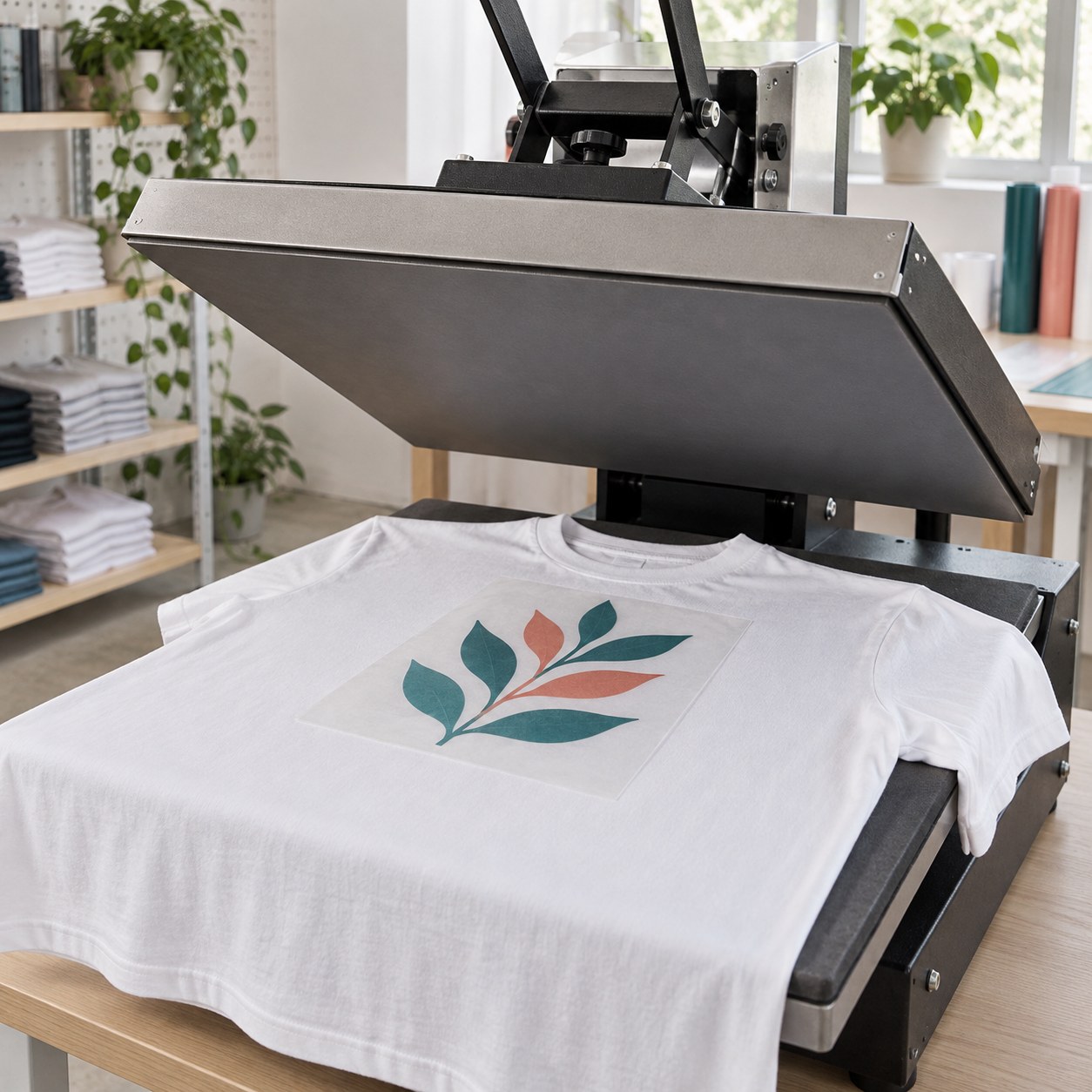
Weeding of Single Copy: Easy (2–30 pieces, size > 15 mm); Material: White Printable Heat-Transfer Film for Solvent / UV; Application Tape: Yes; No. Copies: 1; Dimensions in CM: 68x100
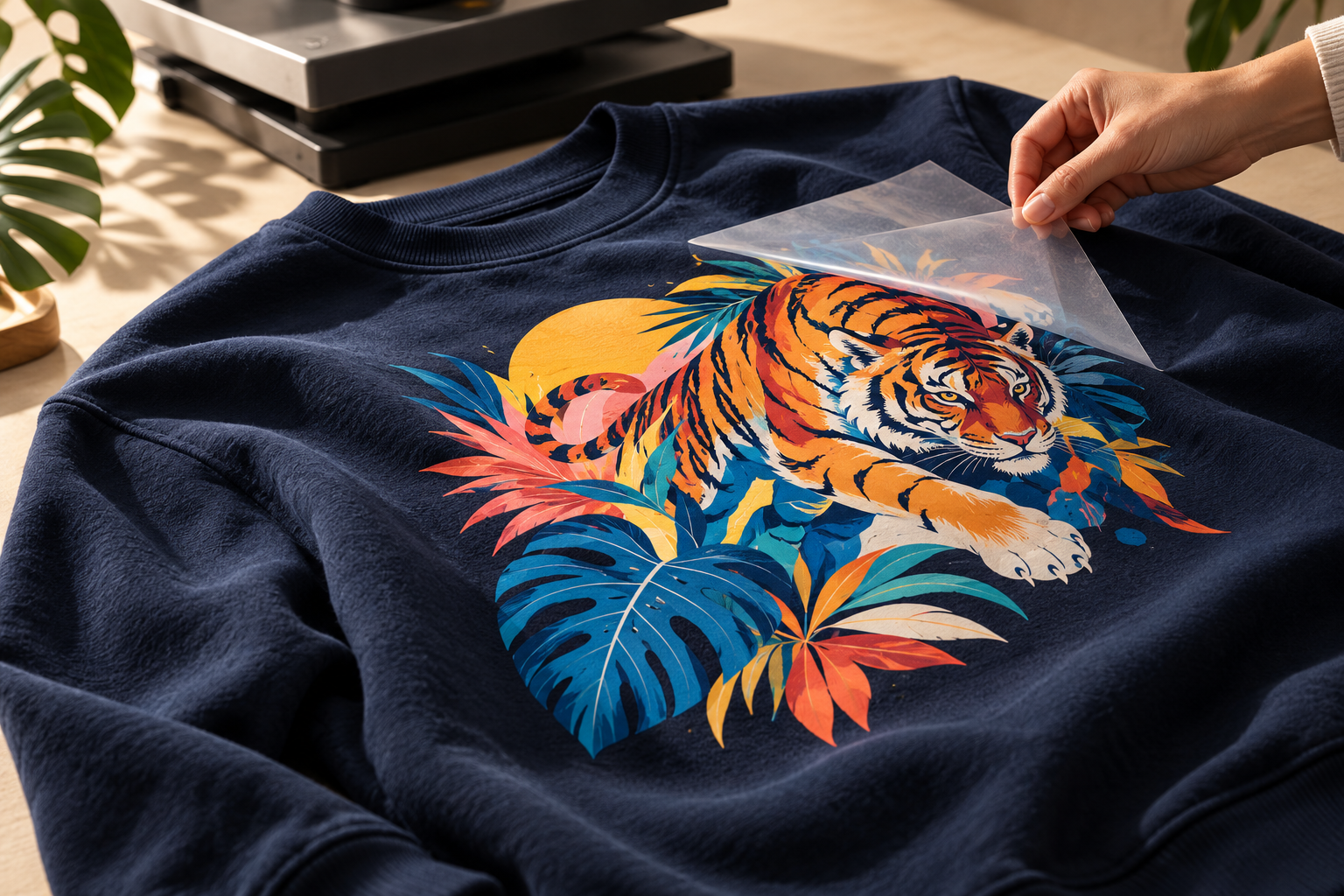
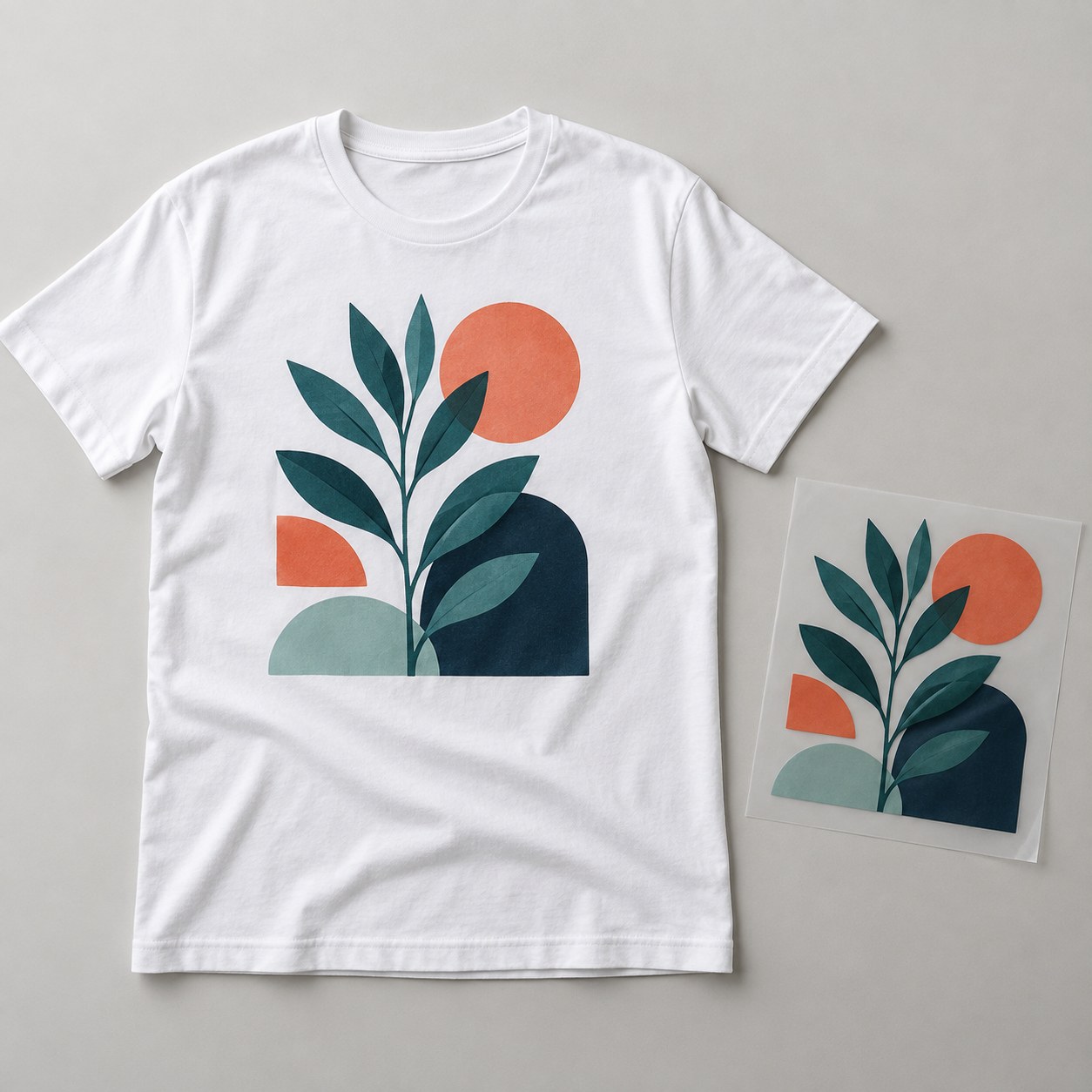
Custom heat transfers for fabrics are graphics printed on a film that is transferred with heat onto clothing, work uniforms, bags and accessories. The material is a printable white heat transfer film, suitable for logos, text and color illustrations, even for small runs of T-shirts and sweatshirts. Sizes are free up to 68x100 cm and you enter the number of copies. You can receive the graphic with kiss cut only or ask for weeding, on three levels according to the number and size of the pieces. The application tape is optional. Always check fabric compatibility before application.
Take a look at these too
Custom heat transfers for fabrics with your own graphic
With a heat transfer you can put a logo or a design on a garment without having the garment itself printed: you receive the finished graphic and apply it to the fabric with heat. It is a solution used by clothing shops, associations, companies that customize uniforms, and workshops that produce T-shirts, bags and accessories in small runs for their own customers. Before going ahead with the whole run, test the fabric to check compatibility.
Material and printing
There is only one material: Printable White Heat Transfer Film, Solvent / UV. It is a white-based film on which your image is printed in color. The white background is part of the film, so it remains wherever the graphic does not cover it.
Cutting, weeding and application tape
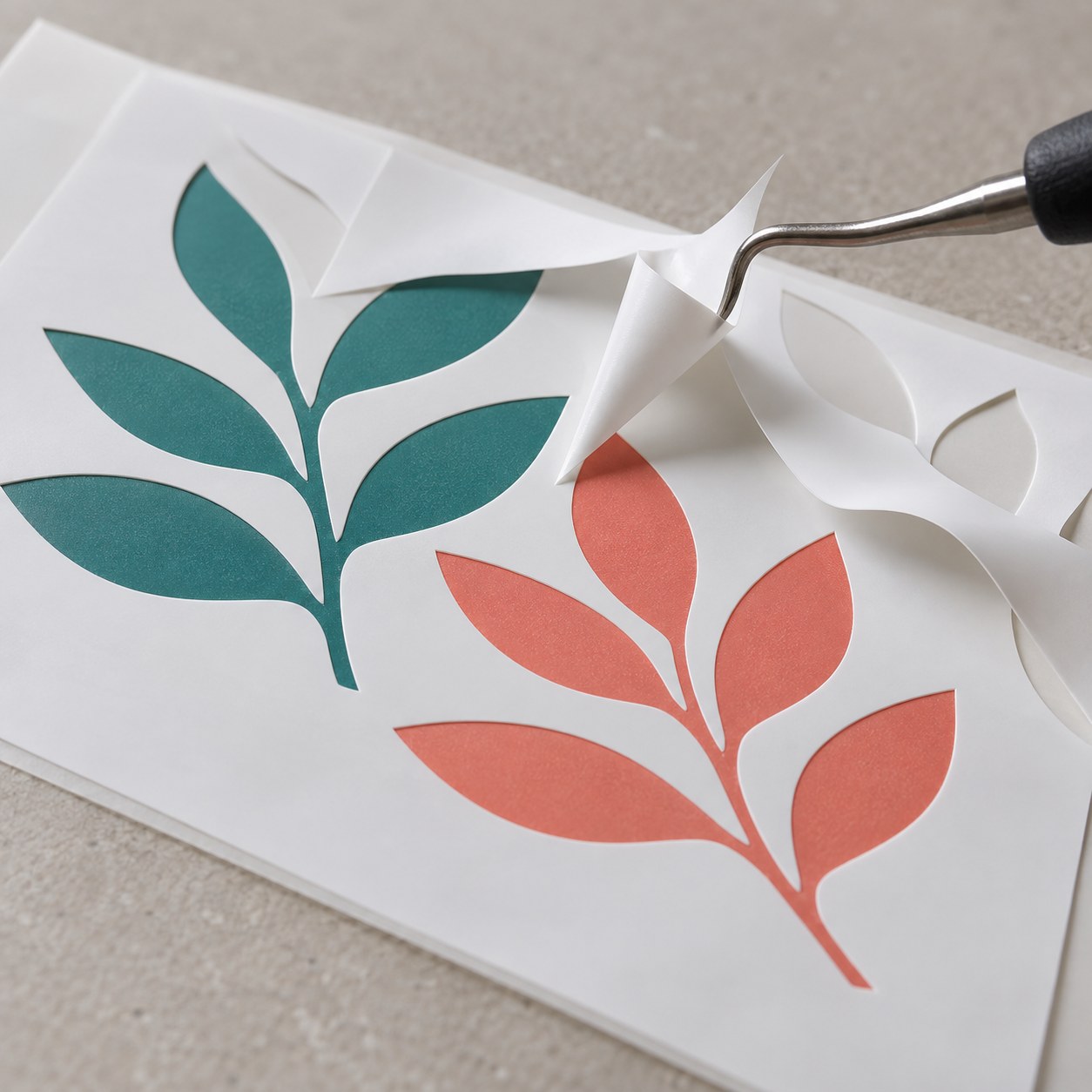
- Weeding of the Single Copy: this is the removal of the excess film around the cut graphic. There are four options:
- kiss cut only: you receive the graphic cut and remove the waste yourself;
- Easy: from 2 to 30 pieces, with elements larger than 15 mm;
- Complex: from 31 to 100 pieces, with elements larger than 10 mm;
- Very Complex: over 100 pieces, with elements smaller than 10 mm.
- Application Tape: Yes or No. The tape holds the separate elements in position during the transfer, so it makes sense on a graphic that has already been weeded.
What to know before application
Once applied with heat, the heat transfer does not disappear into the fabric: the white film stays on the garment, with the graphic printed on top. It is not a transfer for rigid surfaces: these heat transfers can only be applied to compatible fabrics. One tip: before ordering, check the composition and color of the garment, because results vary from one fabric to another. The application tape is a transparent film laid over the already weeded heat transfer, which can then be transferred in a single piece: it is the right choice for graphics made up of several separate elements.
How to choose the weeding level
Count the separate pieces that make up one copy, for example the letters of a text, and look at how small the thinnest element is. A compact logo usually falls under the Easy level. A graphic with many small letters requires Complex or Very Complex. If you have the tools and the time to remove the waste yourself, kiss cut only leaves you the option of doing it on your own.
Sizes and quantities
Dimensions are entered in centimeters and are free up to a maximum of 68x100 cm. You can therefore order both small chest logos and large graphics for the back of a garment. The number of copies is free. The configurator calculates the price based on size, quantity and options.
How to order and prepare the file
Decide the size of the graphic on the garment, enter the number of copies and choose weeding and tape. Check that the proportions of the file match the dimensions entered and review the summary before confirming the order. Before sending your graphic, read the file instructions. The configurator shows the available production times; delivery also depends on the shipping method chosen.
Heat transfers for fabrics: which garments and projects
Heat transfers for fabrics are useful when you want to customize ready-made garments, one at a time or in small runs, with a color graphic. Some practical examples:
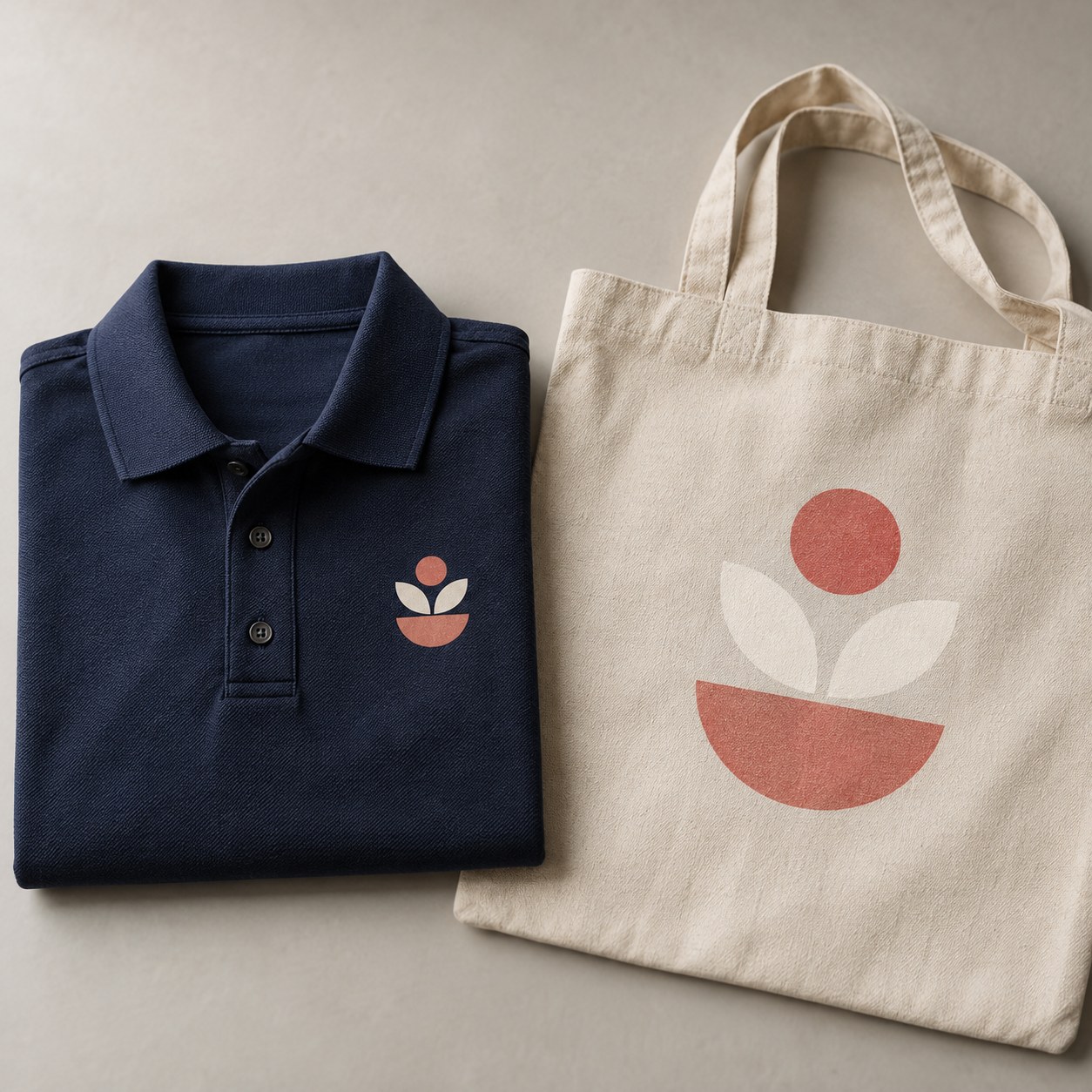
- Work uniforms: the company logo on the chest of polo shirts, sweatshirts and jackets, with the same size on all garments.
- T-shirts for events and associations: a large graphic on the back and a small logo on the front, ordered as two configurations with different sizes.
- Shops and workshops: customizations on request on garments and fabric accessories, without having to print each piece directly.
- Bags and accessories: tote bags and other items in compatible fabric, with a brand or a design.
The starting point is always the garment: composition and color determine whether the heat transfer is suitable, so test the fabric before going ahead with the whole run.
How the heat transfer looks on the garment
The graphic is printed with solvent or UV inks on a white heat transfer film. After heat application the film stays on the fabric, so it is best to design the artwork with the white base in mind.
- The parts of the graphic without color stay white: on a white garment they blend in with the fabric, on a colored garment they are visible.
- If you want the color of the garment to show around the design, the cut outline must follow the shape of the graphic and the waste must be removed, either by you or with one of the weeding levels.
- A text made of separate letters becomes a set of pieces: to transfer them all in the right position you need the application tape.
Do not confuse this product with a DTF UV transfer: the printed heat transfer is designed for compatible fabrics, not for rigid surfaces.
Weeding: examples of how to choose
For heat transfers for fabrics, the weeding level is chosen for each single copy, looking at the number of separate elements and their smallest dimension.
- A solid logo with two or three shapes, each larger than 15 mm: Easy level.
- The company name with about forty letters, all larger than 10 mm: Complex level.
- A long text in small characters, with over 100 elements or parts smaller than 10 mm: Very Complex level. In this case the very small parts may not be weedable, so it is better to enlarge the text or simplify it.
- A graphic you prefer to finish yourself: kiss cut only. You receive the cut graphic and remove the excess parts by hand.
With any of the three weeding levels and several separate elements, add the application tape: it holds the composition in place and lets you transfer it in a single piece.
Preparing the file for heat transfers for fabrics
The file must clearly show the graphic to be printed and the outline to be cut. A few practical rules:
- Set up the file at the real size of the graphic on the garment, with the same proportions entered in the configurator.
- If the color of the graphic reaches the cut outline, you need an outer bleed beyond the path: the measurement is given in the file instructions.
- The cut may shift by 1-2 mm: keep texts, logos and essential details at least 2-3 mm inside the outline.
- Avoid lines and letters thinner than necessary: below 10 mm you enter the Very Complex level and very small pieces may not come off well.
For formats, paths and file levels, read the file instructions before uploading.
Sizes on the garment: how to decide the dimension
Within the limit of 68x100 cm the size is free, and this also applies in landscape orientation, up to 100x68 cm. Before entering it, place on the garment a sheet of the size you have in mind and see how it falls on the chest, the sleeve or the back. Remember that a small size and a large size of the same garment offer different spaces: if you order heat transfers for fabrics for a run of mixed sizes, choose a size that looks good on all of them or prepare separate configurations.
Frequently asked questions
What is the maximum size of a heat transfer?
68x100 cm. Below this limit you can freely choose width and height.
Can I remove the waste film myself?
Yes, by choosing kiss cut only. Alternatively, you can select one of the three weeding levels.
Is the application tape mandatory?
No, you can choose whether to add it or not.
What material is the graphic printed on?
On a printable white heat transfer film, the only material available.
Is there a minimum number of copies?
The copies field is free: you enter the quantity, even for professional use in small runs.
Can I apply heat transfers for fabrics to a rigid surface?
No. They are designed for compatible fabrics and are not a DTF UV transfer for rigid surfaces.
Is the white of the film visible on the garment?
Yes, wherever the graphic does not cover it. The film stays on the fabric after application: to show the color of the garment around the design, the cut must follow the outline and the waste must be removed.
When is the application tape essential?
When the graphic is made up of several separate elements, such as the letters of a text: the tape keeps them in position and transfers them together.
What happens with very small letters?
With over 100 elements or parts smaller than 10 mm, the Very Complex level is required, and the very small parts may not be weedable. If you can, enlarge or simplify the graphic.
Related products
Among the other heat-applied adhesives in the category: to mark garments with small repeated formats see the Heat transfer labels; for names and initials there are the Heat transfer names. Category: Heat transfers for fabrics.
This product is the choice for a free-form color graphic, from a small logo to the back of a sweatshirt. If you only need a name or initials to repeat on several garments, start with the Heat transfer names for fabrics; if you need to mark garments with a label, see the Heat transfer labels. All heat transfers for fabrics are gathered in Custom heat transfers for fabrics, and adhesives for other surfaces are in Custom stickers, adhesive labels.
Dall’idea al file pronto per la stampa
Con il servizio di progettazione grafica puoi creare una nuova composizione, vettorializzare un logo o adattare immagini e impaginazione al prodotto scelto. Condividi materiali e indicazioni in chat e rivedi le anteprime prima della preparazione dei file finali.
Scopri il servizio di progettazione grafica
Il servizio grafico è incluso nel prezzo di stampa?
La progettazione grafica è un servizio a pagamento, acquistabile separatamente. Il controllo del file di stampa rimane compreso nel prezzo del prodotto; per creare o modificare la grafica puoi acquistare il servizio dedicato.
Configurations
- Heat-transfer vinyl 68x100 cm (GB)
Weeding of Single Copy: Easy (2–30 pieces, size > 15 mm); Material: White Printable Heat-Transfer Film for Solvent / UV; Application Tape: Yes; No. Copies: 1; Dimensions in CM: 68x100
- Heat-transfer vinyl 68x100 cm (US)
Weeding of Single Copy: Easy (2–30 pieces, size > 15 mm); Material: White Printable Heat-Transfer Film for Solvent / UV; Application Tape: Yes; No. Copies: 1; Dimensions in CM: 68x100
Starting from 54,00 €/m², VAT excluded · Total: 44,80 € (VAT included)