Custom clear adhesive labels
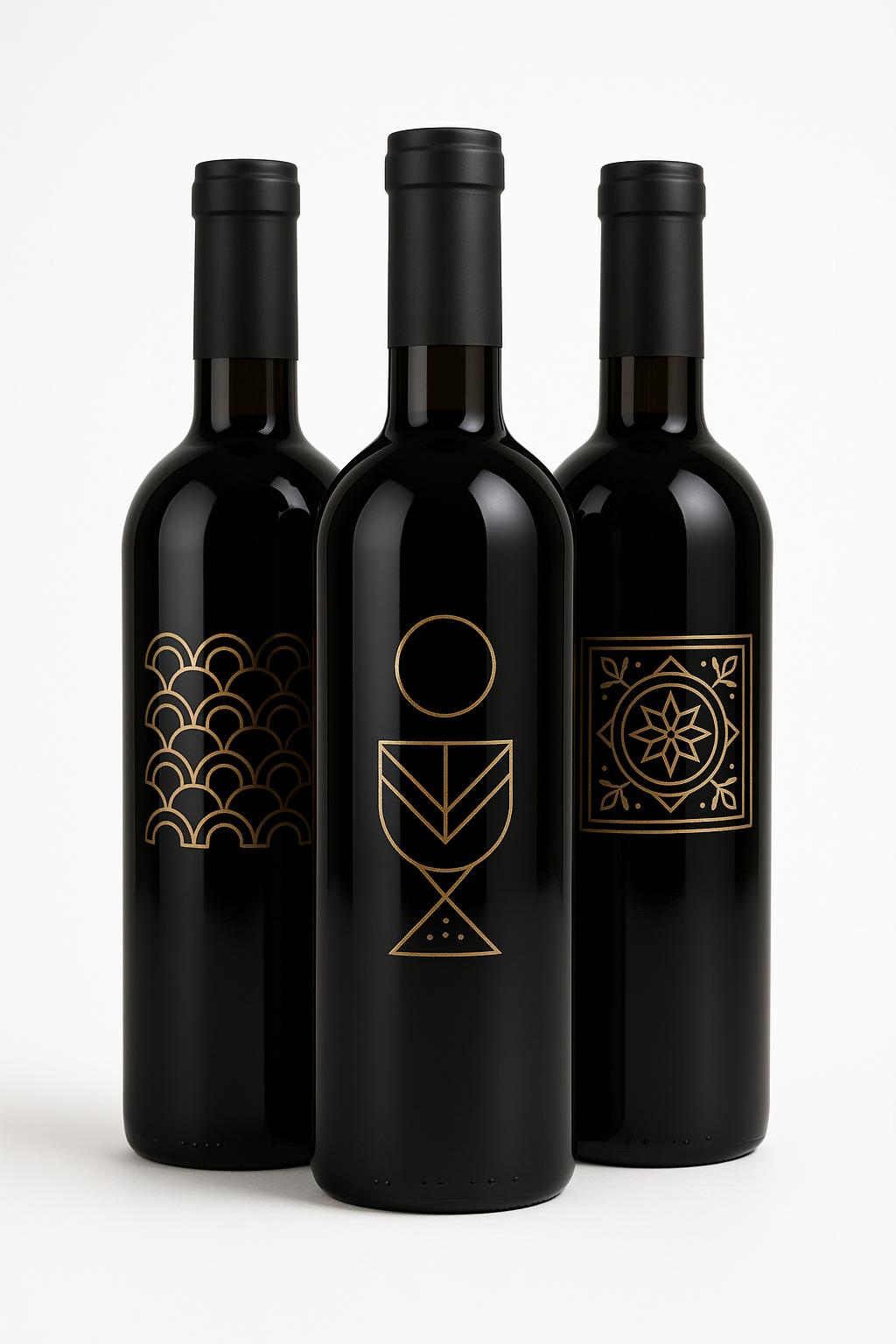
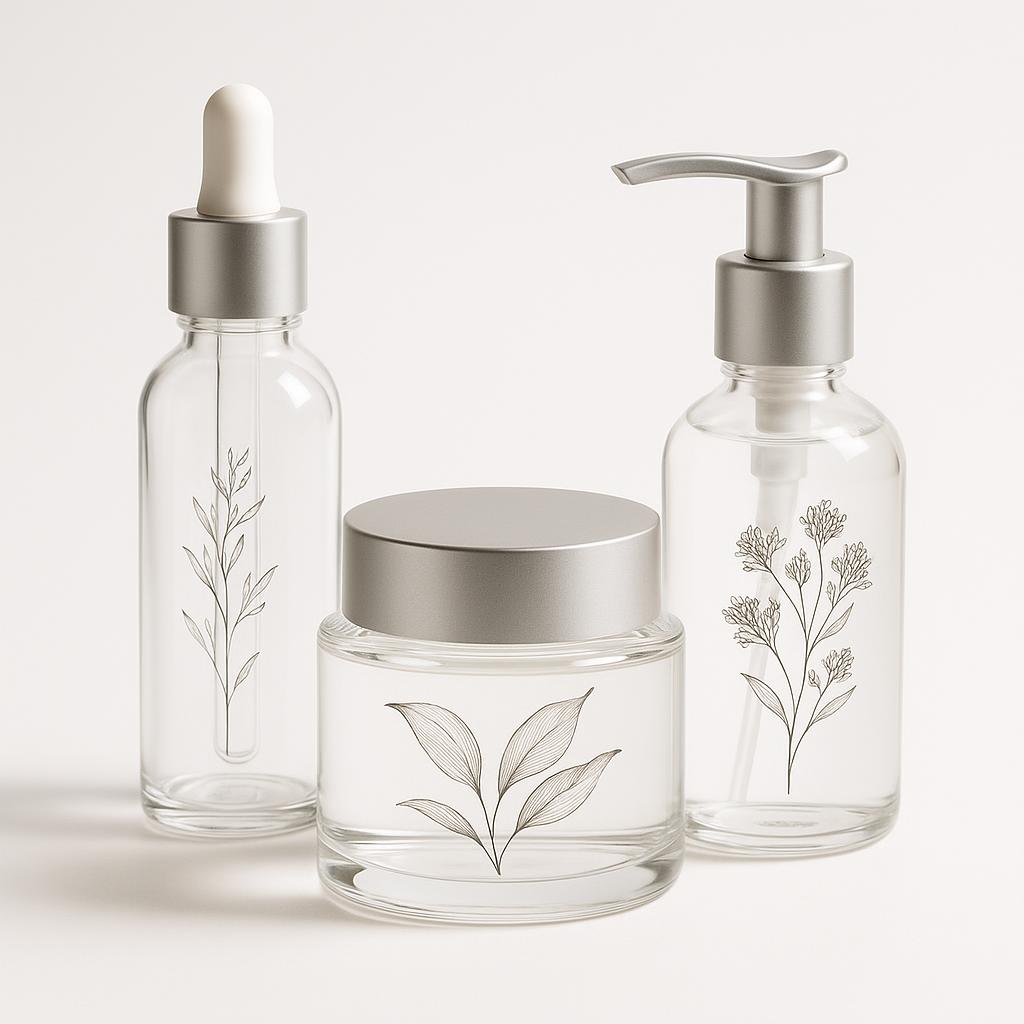
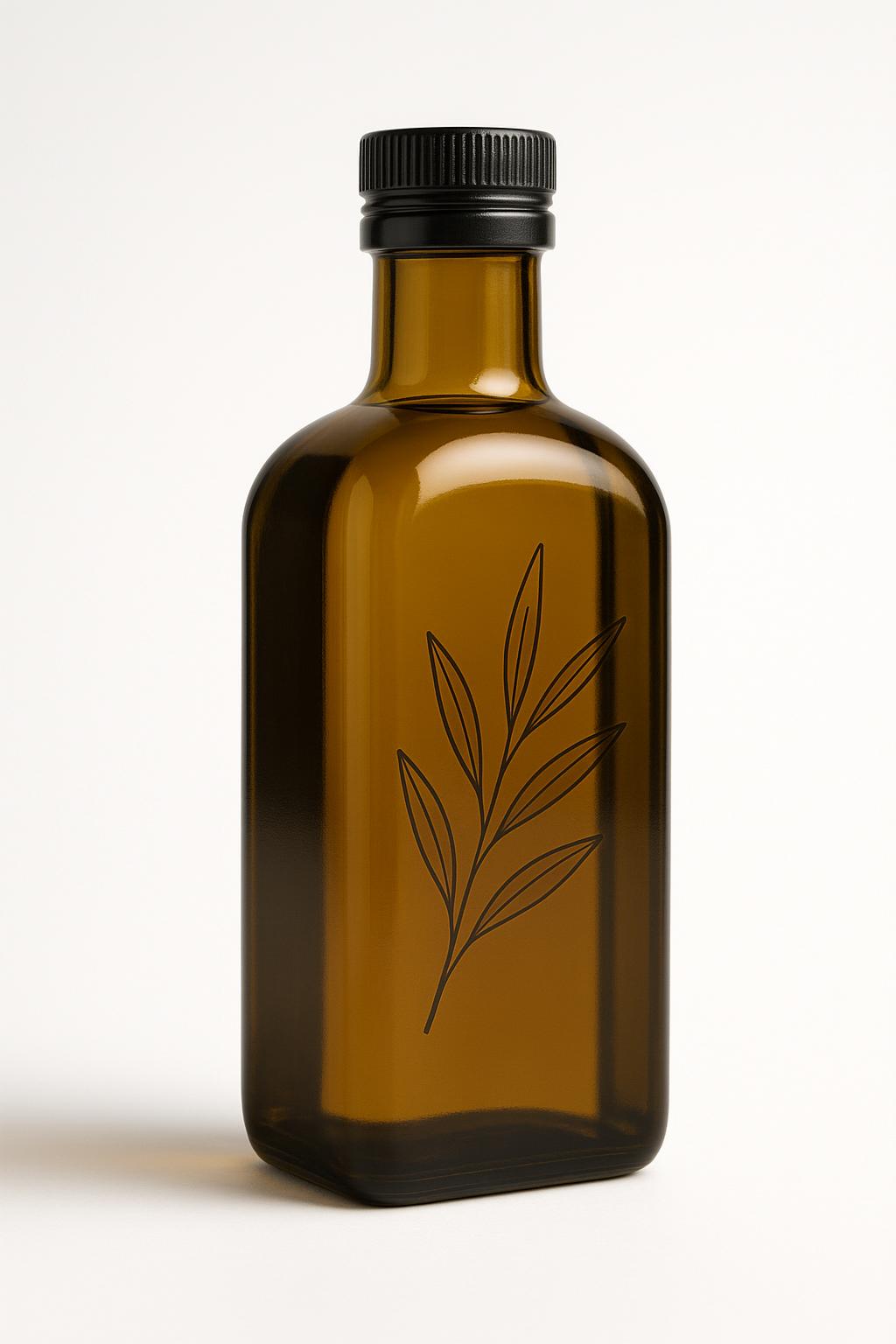
No. Copies: 10; Dimensions in CM: 41x41; Material: Gloss Clear Self-Adhesive PVC; Type: Adhesive Labels with Half Cut; White Ink Printing: In selected areas; UV metallic effect: None; 3D varnish: None
The custom clear adhesive labels are kiss-cut labels printed on a colourless material, which lets the container show through beneath the artwork. You can choose between glossy clear adhesive PVC and clear no-label look PP. Spot white printing creates an opaque base only where the artwork requires it. You can also add the gold or silver UV metallic effect and spot 3D varnish. Sizes are free up to 41x64 cm. They are used on glass bottles, cosmetic bottles, food jars and clean-looking packaging, where the product should stand out and not the label background.
Take a look at these too
Custom clear adhesive labels
With a clear label on the container, only the text, logo and artwork remain visible. The background disappears and the glass or plastic acts as the backdrop. This is the effect known as the no-label look, used on glass bottles, cosmetic bottles, food jars and minimalist packaging. The labels are kiss-cut along the path in your file.
When to choose clear labels
Clear labels make sense when the container or its contents deserve to be seen. Some typical cases:
- a clear glass bottle holding a liqueur, a juice or an oil with a recognizable colour;
- a cosmetic bottle with a clean line, where a white background would break up the shape;
- a food jar where the product is part of the presentation;
- minimalist packaging, with little text and plenty of empty space.
The label is applied to the outer surface of the container. The result depends a lot on contrast: dark text on a light content reads well on its own, while coloured text on dark glass needs a white base.
Available materials and finishes
- Material: glossy clear adhesive PVC or clear no-label look PP.
- Type: adhesive labels with kiss-cut.
- White printing: by area. White is laid down only in the areas you indicate in the file. It is needed because on a clear material, colours without a base let the background show through.
- UV metallic effect: none, gold or silver.
- 3D varnish: none or by area, to give relief to a detail.
Spot white printing on clear material
This is the option that makes the difference on this product. Where you place the white, the artwork is opaque and the colours stay solid. Where you don't, the print lets you see what is behind it. So you can decide, area by area, which effect you want: a solid, readable logo, a gradient that blends with the container, light text that stands out on dark glass.
The same applies to the other two finishes. The UV metallic effect gives a gold or silver shine to the parts you choose. The 3D varnish creates a relief, even on an area with no colour.
How to choose between PVC and PP
Both materials are clear. The configurator describes them as follows: the first is an adhesive PVC with a glossy finish, the second is a PP labelled as no-label look, meaning it is designed to make the edge of the label disappear once applied. If you want the effect of text printed directly on the container, the name of the second material is the one that states it.
Sizes
Sizes are entered in centimetres and are free up to 41x64 cm. Also enter the number of copies you need: the configurator calculates the price based on size, quantity and options.
Measure the smooth area of the container and keep the label within it. If the artwork consists of text only, the shape can follow it closely or remain a rectangle: it depends on the path you draw.
How to order and prepare the file
Choose the material and finishes, enter the size and number of copies, then upload the file. It must contain the artwork, the cut path and the indication of the areas to be printed in white. Before sending the artwork, read the file instructions. The configurator shows the available production times; delivery also depends on the shipping method chosen.
Before completing the order, check that the finished size in centimetres is correct, that the file has the same proportions as the format and that it is clear which part of the artwork must be opaque. Then check the summary.
Clear labels in glossy PVC or no-label PP: the practical differences
The product sheets for the two materials in the configurator add a few useful details to help you choose.
- Glossy Clear Adhesive PVC: it is a clear monomeric film with a glossy finish and permanent adhesive. It has good transparency and adheres well even on curved surfaces. It is not designed for the no-label effect. It suits shop windows, jars and containers where the contents must stay visible and readable.
- Clear No-Label Look PP: it is a clear polypropylene film, intended for no-label labels on bottles and containers with regular surfaces. It has good transparency and good moisture resistance.
In practice: if the container has a regular shape and you want only the text to show on the glass, start with PP. If the surface is curved, like that of a rounded jar, or a glossy clear label that shows the contents is enough for you, PVC is the more direct choice. For the bottles of a cosmetics brand there is also the page for cosmetic labels.
How to set up the artwork on clear labels
On a colourless material it is best to think element by element, even before opening the graphics software. Here is how the choices change in the most common cases.
- Coloured logo on dark glass or dark contents: put white under the logo. The colours stay solid and do not pick up the tint of the background.
- White text on dark glass: white printing becomes the colour of the text itself, with no other inks on top.
- Dark text on light contents: it already reads well through contrast. Consider white only if you want a solid background behind the words.
- Light decoration or gradient: leave it without white, so it blends with the container instead of forming a patch.
- Product name to make stand out: choose gold or silver, or the 3D varnish, on that element only.
The simpler the artwork, the more the clear labels show the container. A few well-spaced elements stay readable even on a full bottle.
Preparing the file for clear labels
The file must state precisely what to print and where to cut. Besides the colour artwork, you need the cut path and the white areas. If you choose the metallic effect or the 3D varnish, also indicate the parts to which they apply.
- Trimming can remove 1-2 mm: keep essential text, logos and borders at least 2-3 mm inside the finished shape.
- If a colour or a background extends to the edge of the shape, you need an external bleed beyond the cut path. The measurement is given in the file instructions.
- A border very close to the cut highlights even small shifts: it is better to move it away from the edge or do without it.
- Check that the width and height of the file match the sizes entered in the configurator.
For all the details on formats, layers and paths, read the file instructions before uploading.
Gold, silver and relief on clear labels
The UV metallic effect is obtained with a thickened UV varnish. The gold or silver parts appear raised and can be felt by touch. On clear material it suits a name, a thin line or a small crest that must stand out from the glass.
Spot 3D varnish is a clear raised UV varnish, applied only to the areas you choose. It gives a tactile effect to logos, text or graphic elements. On clear labels it creates a detail you can feel with your fingers, even where there is no colour. If instead you are looking for a label with a metallic background, see the labels with special gold, silver and metallic effects.
Portrait or landscape format
The maximum size applies in both orientations: 41 cm wide by 64 high, or 64 cm wide by 41 high. Within these limits you can order small clear labels for a jar or larger ones for a big container. Each configuration has a single size: if you have containers of different sizes, configure one label at a time.
Frequently asked questions
Do the colours show up well on a dark container?
That is what spot white printing is for: it puts a white base under the parts of the artwork that must stay opaque.
What is the difference between the two materials?
Both are clear. One is an adhesive PVC with a glossy finish, the other is a PP labelled in the configurator as no-label look.
Can I add gold text?
Yes, with the gold UV metallic effect. Silver is also available.
Is there a size limit?
The maximum size is 41x64 cm. Within this value, sizes are free.
Can clear labels have a custom shape?
Yes. They are kiss-cut and follow the path in the file.
Can I create a raised detail?
Yes, with spot 3D varnish.
Does the white cover the whole label?
No, white printing is by area: it goes only where you request it, and the rest stays clear.
Do clear labels stick to a curved jar?
The glossy clear adhesive PVC is described as having good adhesion even on curved surfaces. The no-label PP is intended for bottles and containers with regular surfaces.
Which material withstands moisture better?
In the configurator, Clear No-Label Look PP is described as having good moisture resistance. For glossy PVC, the sheet indicates a permanent adhesive.
Do the labels arrive ready to peel off?
Yes. The kiss-cut is pre-shaped: each label peels off the sheet and is applied directly to the container.
Does the maximum size also apply in landscape?
Yes. You can set up to 41x64 cm or up to 64x41 cm.
Related products
If you prefer a white or cream background, see the labels for bottles and jars. For metallic shine there are the gold, silver and metallic labels. For a specific sector see the cosmetic labels and the adhesive labels for food. All products are in the Adhesive labels category.
If you need clear labels for a drink or a jar in a specific sector, also compare the wine labels, the beer labels, the olive oil labels and the honey labels. To seal a package there are the package seal labels and seals and the shaped closure labels. The whole range of stickers is in Custom stickers, adhesive labels; labels alone are collected in Custom adhesive labels.
Dall’idea al file pronto per la stampa
Con il servizio di progettazione grafica puoi creare una nuova composizione, vettorializzare un logo o adattare immagini e impaginazione al prodotto scelto. Condividi materiali e indicazioni in chat e rivedi le anteprime prima della preparazione dei file finali.
Scopri il servizio di progettazione grafica
Il servizio grafico è incluso nel prezzo di stampa?
La progettazione grafica è un servizio a pagamento, acquistabile separatamente. Il controllo del file di stampa rimane compreso nel prezzo del prodotto; per creare o modificare la grafica puoi acquistare il servizio dedicato.
Configurations
- Clear labels with white print, 10 pcs (GB)
No. Copies: 10; Dimensions in CM: 41x41; Material: Gloss Clear Self-Adhesive PVC; Type: Adhesive Labels with Half Cut; White Ink Printing: In selected areas; UV metallic effect: None; 3D varnish: None
- Clear labels with white print, 10 pcs (US)
No. Copies: 10; Dimensions in CM: 41x41; Material: Gloss Clear Self-Adhesive PVC; Type: Adhesive Labels with Half Cut; White Ink Printing: In selected areas; UV metallic effect: None; 3D varnish: None
Starting from 22,41 €/m², VAT excluded · Total: 45,96 € (VAT included)